
Free AI 3D Model Generators
The most advanced and reliable free AI-powered tools for 3d model generators. Save time and budget with these vetted solutions.
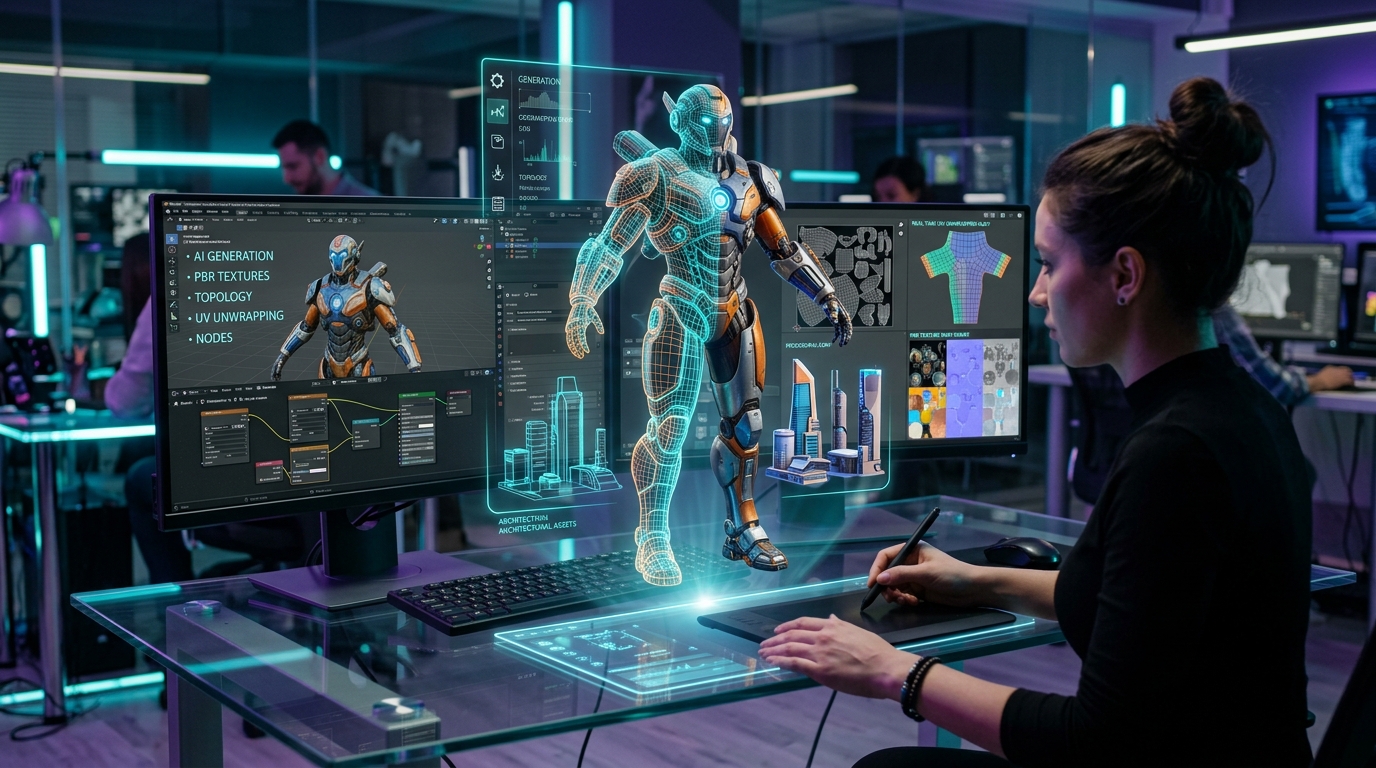
What Are the Best Free AI 3D Model Generators in 2026?
AI 3D model generators have revolutionized the way creators, designers, and developers produce three-dimensional assets. Instead of spending hours mastering complex software like Blender or Maya, you can now describe an object in natural language or upload a reference image, and an AI algorithm will generate a textured 3D mesh within minutes. These tools leverage deep learning models trained on millions of 3D objects to understand geometry, lighting, and material properties. For free users, this means access to a technology that previously required expensive subscriptions or high-end hardware, democratizing 3D creation for indie game developers, small e-commerce stores, and educational projects alike.
In 2026, the landscape of AI 3D modeling has matured significantly. The quality of free-tier outputs rivals what paid plugins offered just two years ago. Use cases range from rapid prototyping of furniture for interior design to generating low-poly characters for mobile games. Product designers use these tools to visualize concepts before manufacturing, while educators create interactive 3D models for STEM lessons. The ability to iterate quickly—generating dozens of variations in a single session—makes AI 3D generators indispensable for anyone who needs to validate ideas without committing to a full production pipeline. However, free accounts come with trade-offs that are important to understand before diving in.
Among the most generous free offerings, Meshy stands out with its text-to-3D and image-to-3D capabilities, providing 100 free credits per month—enough to generate around 10 to 15 detailed models. The free tier includes a visible watermark and limits export resolution to 256x256 texture maps. Spline offers a browser-based 3D editor with AI-assisted generation, perfect for interactive web graphics; its free plan allows up to 3 public projects and exports with a Spline branding. For realistic object scanning, Luma AI provides a free tier that lets you capture real-world objects via your smartphone camera and convert them into 3D models, but output meshes are watermarked and limited to 10 captures per month. These platforms are excellent starting points for anyone exploring 3D creation without financial commitment.
What Can You Do for Free with AI 3D Model Generators Tools?
With free AI 3D model generators, you can accomplish a surprising range of tasks that previously required specialized skills. For example, you can generate a low-poly tree or rock for a game level in seconds, create a stylized chair for an interior design mockup, or produce a humanoid character base that you can later refine in a traditional editor. Many tools support both text prompts (e.g., “a medieval knight’s helmet with gold trim”) and image inputs (upload a sketch or photo) to guide the generation. This makes them ideal for brainstorming sessions, where you need 20 different vase shapes to show a client, or for educational purposes, like creating a 3D model of the human heart for a biology app. Free tiers also allow you to experiment with different generation styles—cartoon, realistic, low-poly, or even voxel art—helping you understand which aesthetic fits your project.
However, free versions impose several limitations that you must navigate. The most common are visible watermarks, reduced texture resolution (often capped at 512x512 pixels), and limited export formats (typically only .glb or .obj without support for animations). Generation speed is also throttled; while paid users get results in 10–20 seconds, free accounts might wait 1–2 minutes per model. Some platforms restrict commercial usage entirely, meaning you cannot sell or distribute models created under the free plan. To work around these constraints, you can use free tools for prototyping and then purchase a single month of premium access only when you need to export the final, watermark-free version. Alternatively, you can combine free outputs with open-source editors like Blender to remove watermarks manually—though this is time-consuming and may violate terms of service.
Despite these limitations, there are many real-world scenarios where a free AI 3D model generator is more than sufficient. If you are a student learning 3D modeling, generating a dozen practice models each month is enough to build your portfolio. Indie game developers working on a small project with a low-poly art style can often use free-tier outputs directly, as watermarks can be hidden in dark textures or covered by UI elements. For non-commercial social media content, such as a 3D animation for a YouTube intro, the watermark may be acceptable. Even small e-commerce sellers who need a quick 3D product visualization for a single listing can benefit from free tools, provided they upgrade to remove the watermark before publishing. The key is to align the tool’s free offering with your specific needs and timeline.
Key Features of Free AI 3D Model Generators Tools
- Text-to-3D Generation: Describe an object in plain English and receive a fully textured 3D mesh. Free tiers limit the complexity of prompts (e.g., “a chair” vs. “a Victorian oak chair with carved armrests”) and often cap polygon counts to keep processing costs low. This feature is the cornerstone of AI 3D modeling, enabling rapid concept creation without any modeling experience.
- Image-to-3D Conversion: Upload a single photo or a multi-angle set to reconstruct a 3D model. Free plans usually restrict the image resolution (max 1024px) and number of angles (1–3 images). This feature excels for digitizing real-world objects like sculptures, toys, or architectural details, though the resulting mesh may need cleanup in an external editor.
- Real-time Mesh Editing: Many free tools include a basic 3D viewer where you can adjust scale, rotation, and material colors. Advanced editing like vertex painting or topology optimization is reserved for paid tiers. This is sufficient for quick previews but not for production-ready modifications.
- Export Format Support: Free accounts typically export only .glb or .obj files, sometimes with reduced texture quality. Missing formats like .fbx (for animation), .usdz (for AR), or .stl (for 3D printing) force users to convert files through third-party tools, which can degrade quality.
- Cloud-Based Rendering: All processing happens on the provider’s servers, so you don’t need a powerful GPU. Free tiers queue jobs behind paid users, meaning longer wait times during peak hours. Some tools also limit the number of simultaneous renders to one, preventing batch generation.
- Integration with Game Engines & AR: Many tools offer one-click export to Unity, Unreal Engine, or Reality Composer. Free users often lose the direct integration button and must manually import the downloaded file. This adds an extra step but remains functional for small projects.
Who Should Use Free AI 3D Model Generators AI Tools?
Free AI 3D model generators are ideal for a diverse audience that values speed, cost savings, and experimentation over absolute quality. Indie game developers, for instance, can use free tiers to create placeholder assets (grey-boxing) while they focus on gameplay mechanics, then later replace them with polished models. Hobbyists exploring 3D printing can generate low-detail figurines to test printability without investing in software. Students in design or computer graphics courses benefit from hands-on exposure to generative AI workflows, building portfolios that demonstrate modern tooling. Small business owners who need simple product visualizations for social media can produce passable 3D renders using free credits, especially if the watermark is acceptable for organic posts.
Let’s look at specific profiles. A freelance concept artist can generate 3D base meshes from text prompts, then paint over them in Photoshop to create 2D concepts faster. A teacher creating a virtual museum tour for a history class can generate low-poly artifacts that load quickly in web browsers. A tabletop game designer can produce miniature models for 3D printing, knowing that free tiers often support .stl export (though some restrict it). Even marketers can use AI 3D generators to create eye-catching visuals for blog posts or ads, as long as the watermark doesn’t conflict with branding guidelines. The common thread is that these users prioritize iteration speed and low barrier to entry over professional-grade fidelity.
You should consider upgrading to a paid plan when your project requires commercial rights, higher resolution textures (1024x1024 or more), batch generation (e.g., 50 models for a game inventory), or seamless integration with your existing pipeline (e.g., direct export to .fbx with armatures). If you find yourself spending more than two hours per week working around free-tier limitations—like manually removing watermarks or converting file formats—the cost of a subscription (often $15–$30 per month) becomes a worthwhile investment. Many tools offer a one-month free trial of premium features, so you can test the full capabilities before committing. For most casual users, however, the free tier remains a powerful gateway into the world of AI-driven 3D creation.
Best Free AI 3D Model Generators Tools & Software
Explore our curated selection of verified free 3d model generators solutions, offering generous free plans, freemium features, or zero-cost access.