
Free AI Architecture & Interior
The most advanced and reliable free AI-powered tools for architecture & interior. Save time and budget with these vetted solutions.
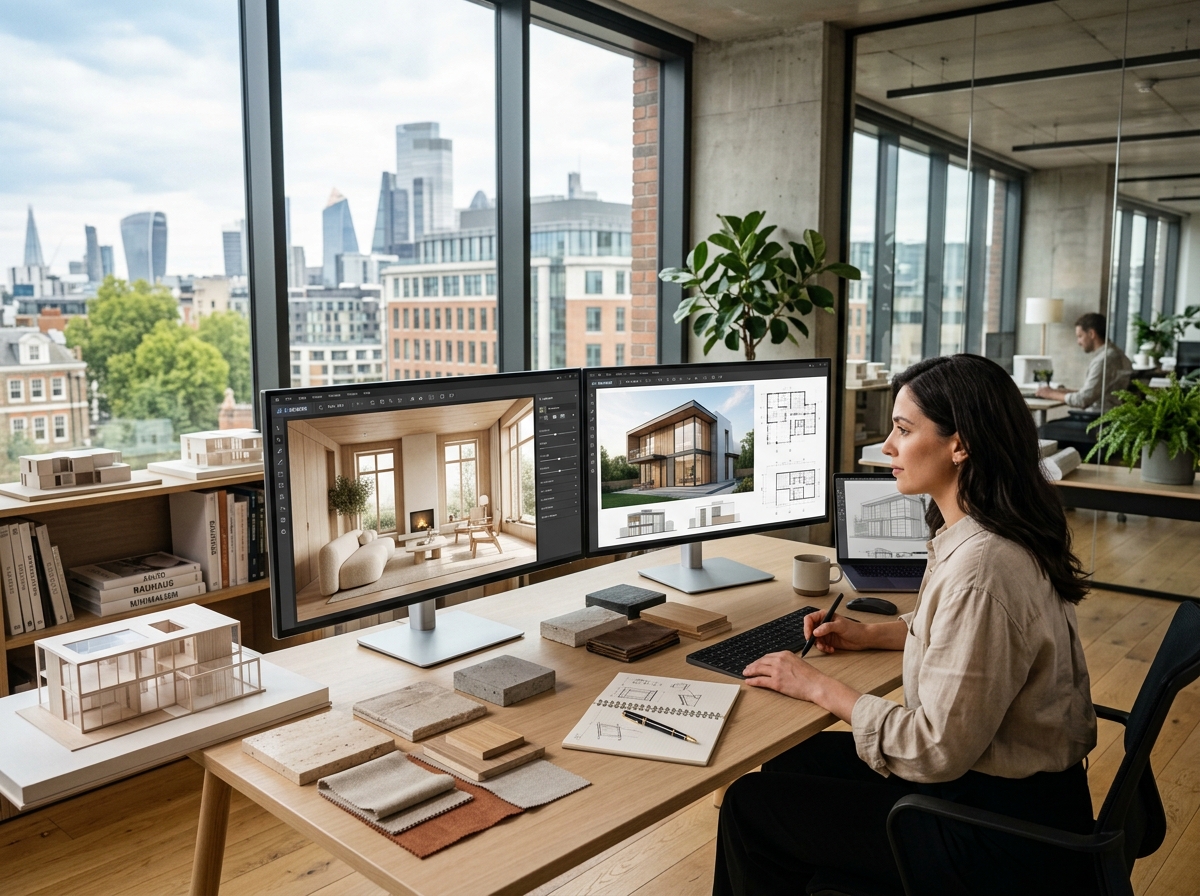
How Can You Transform Spaces for Free with AI Architecture & Interior Tools?
AI architecture and interior tools have democratized design by allowing anyone—from homeowners to professional architects—to visualize, plan, and remodel spaces without expensive software or deep technical skills. These tools leverage generative models to turn text prompts, sketches, or photos into realistic renderings, floor plans, and furniture arrangements. The value for free users is immense: you can experiment with countless styles, test layouts, and even generate photorealistic images of your dream room before spending a cent on materials or contractors. In 2026, the landscape of free AI design solutions has matured, offering surprisingly capable options that rival early paid versions of commercial software.
Whether you are redecorating a single bedroom, planning a full home renovation, or designing a commercial office facade, AI tools accelerate the creative process. Instead of spending hours sketching or using complex CAD programs, you can describe your vision in natural language and receive an instant visual. For example, you might type "modern minimalist living room with floor-to-ceiling windows and a green accent wall," and within seconds the AI generates several variations. This instant feedback loop makes design exploration faster and more accessible than ever. In 2026, the integration of AI into architecture and interior design is no longer a novelty—it's an essential part of the workflow for early-stage concepting, client presentations, and even final renders when paired with manual refinement.
Among the best free offerings, three tools stand out for balancing quality and generous free tiers. RoomGPT lets you upload a photo of an existing room and instantly apply dozens of design styles like Bohemian, Scandinavian, or Industrial. Its free tier includes up to three generations per day with a small watermark, which is ideal for quick inspiration. Interior AI goes beyond single rooms, offering virtual staging for entire homes and even exterior redesigns. Free users get five renders per month in standard definition, with watermarked results, but the variety of styles and the ability to switch between interior, exterior, and landscape is remarkable. HomeByMe takes a more guided approach, allowing you to create 2D floor plans and then automatically generate 3D views using AI. The free plan limits you to one project and lower-resolution exports, but it's perfect for homeowners wanting to plan a single room renovation.
What Can You Do for Free with AI Architecture & Interior Tools?
With free AI architecture and interior tools, you can accomplish a wide variety of design tasks that previously required expensive software or hiring a professional. You can generate photorealistic interior renders from scratch by describing your ideal room in a text prompt—think "rustic farmhouse kitchen with open shelving and a butcher block island." Alternatively, you can upload a photo of your actual room and ask the AI to refurnish it in a different style, such as converting a conventional living room into a mid-century modern masterpiece. Many tools also support floor plan generation from simple sketches or even from an image of an existing layout; the AI will create a 3D model complete with suggested furniture placement. For exterior architecture, you can experiment with roof shapes, window configurations, and facade materials before committing to construction. Some platforms integrate with local building norms or provide realistic lighting simulations that show how a space will look at different times of day.
However, free versions come with notable limitations that users should understand before diving in. The most common restrictions are watermarks on generated images, which can obscure details and make them unsuitable for client presentations. Render resolutions are typically capped at 720p or 1080p, so enlarging an image for print may result in pixelation. Daily or monthly generation quotas—often as low as three renders per day or thirty per month—force you to plan your experiments carefully. Many free accounts also unlock only a subset of design styles; premium styles like Art Deco or Brutalist may be locked behind a paywall. Speed is another factor: free users often experience longer queue times or lower priority processing, especially during peak hours (evenings and weekends). Additionally, generative AI can struggle with architectural accuracy—dimensions may be inconsistent, or furniture scales might look off—so you should always double‑check proportions and consult real measurements before using AI outputs for actual construction.
That said, there are many real-world scenarios where the free tier is more than adequate. For instance, if you are a tenant considering repainting and rearranging furniture, a few free renders can help you decide between color schemes without buying paint samples. Home stagers can use free tools to quickly test different décor options for a listing and present three or four compelling alternatives to the seller. Even interior design students on a tight budget can use free AI tools to rapidly iterate concept boards for class projects, saving hours of manual rendering. The key is to treat free tools as brainstorming assistants and early-stage visualisers—once you need high‑resolution, watermark‑free images for clients or construction, you can evaluate whether a paid plan (typically $10–$30/month) offers enough value. But for personal exploration and initial concepting, the free offerings from tools like RoomGPT, Interior AI, and HomeByMe are genuinely powerful.
Key Features of Free AI Architecture & Interior Tools
- Text‑to‑Render Generation: Describe any interior or exterior scene in natural language and receive an AI‑generated image. You can specify style, colors, materials, and lighting. The quality of results depends on the prompt detail: "cozy bohemian reading nook with rattan furniture and warm light" yields a markedly different image than a simple "bohemian room". Free tools often limit the number of daily prompts, so crafting precise prompts is essential to make the most of each generation.
- Photo‑Based Virtual Remodeling: Upload a photo of your own room and let the AI reimagine it in dozens of design styles. This feature is perfect for seeing how new furniture, wall colors, or flooring would look in your actual space. Free tiers typically only offer standard definition previews and may add a watermark. Still, it's invaluable for comparing before‑and‑after visuals during renovation planning.
- 2D Floor Plan to 3D Model Conversion: Draw a simple floor plan by hand or using basic shapes, and the AI automatically builds a full 3D model with realistic furniture and finishes. This speeds up the transition from rough layout to visualisation. Free versions often restrict the number of floor plans you can store (e.g., one active project) and may limit export options to low‑resolution images only.
- Style and Material Exploration: Browse curated design styles—from Japandi to Industrial Chic—and apply them instantly. Many free tools let you mix and match materials like marble, wood, concrete, or metal. Some even allow you to adjust colour palettes in real time. The limitation is that free accounts often only have access to a core set of 10–15 styles, while premium unlocks 50+.
- Furniture and Decoration Suggestions: Based on your room shape and selected style, AI tools suggest specific furniture pieces (sofas, tables, shelves) and decorative items (rugs, lamps, plants). While the suggestions are not always brand‑specific, they provide a shopping list that you can take to retailers. Free plans might limit suggestions to a handful per room and may not include links to purchase products.
- Lighting and Shadow Simulation: Modern AI tools can simulate natural light at different times of day, showing how sun and shadows interact with your design. This helps you decide window placements, artificial light positions, and reflective surfaces. Free versions often simulate only one generic time of day (e.g., mid‑afternoon) and may lack the ability to adjust latitude or season.
Who Should Use Free AI Architecture & Interior AI Tools?
Free AI architecture and interior tools are ideal for a broad audience: homeowners planning renovations, interior design students, real estate agents staging vacant homes, and even hobbyists who enjoy decorating virtual spaces. If you are a renter looking to make small upgrades—like choosing a new paint color or rearranging furniture—the free tier gives you enough power to test multiple options without any financial commitment. For design students, these tools serve as an inexpensive sandbox to learn about spatial composition, color theory, and lighting. Real estate agents can create compelling virtual staging for listings that are empty or outdated, helping buyers envision the potential—all without buying a subscription. Similarly, Airbnb hosts can generate previews of how their property could look after minor redecorating, aiding in decisions about which changes will boost booking rates.
Concrete examples illustrate the range: a student taking an introductory interior design course can use Interior AI to generate five different style alternatives for a hypothetical living room project, then compare the results in a presentation board. A young couple who just bought their first home can upload photos of their empty kitchen into RoomGPT and try out Modern Farmhouse, Scandinavian, and Traditional styles—all within their free daily quota. A freelance landscape architect can use HomeByMe's free plan to design a small backyard patio with seating, a fire pit, and planting beds, then share the 3D view with the client for feedback. These scenarios show that free tools are not just teasers—they are functional platforms for real, albeit limited, design work.
That said, there comes a point when you should consider upgrading to a paid plan. If you are a professional interior designer who needs high‑resolution, watermark‑free images for client proposals or marketing materials, free limitations become a bottleneck. Similarly, if you manage multiple renovation projects simultaneously, the one‑project limit of many free tiers will frustrate your workflow. Architectural accuracy requirements—such as exact floor plan measurements or compliance with building codes—cannot be guaranteed by generative AI, so professionals must always combine AI outputs with manual drafting in CAD tools. When your volume of renders exceeds fifty per month, or when you need custom styles, faster processing, or integration with professional tools like Revit or SketchUp, a paid subscription (often $10–$30/month) is a worthy investment. But for the vast majority of casual users, students, and early‑stage planners, the free versions of today's AI architecture and interior tools are already remarkably capable and will continue to improve throughout 2026.
Best Free AI Architecture & Interior Tools & Software
Explore our curated selection of verified free architecture & interior solutions, offering generous free plans, freemium features, or zero-cost access.