
Free AI Advanced Art Tools & Community
The most advanced and reliable free AI-powered tools for advanced art tools & community. Save time and budget with these vetted solutions.
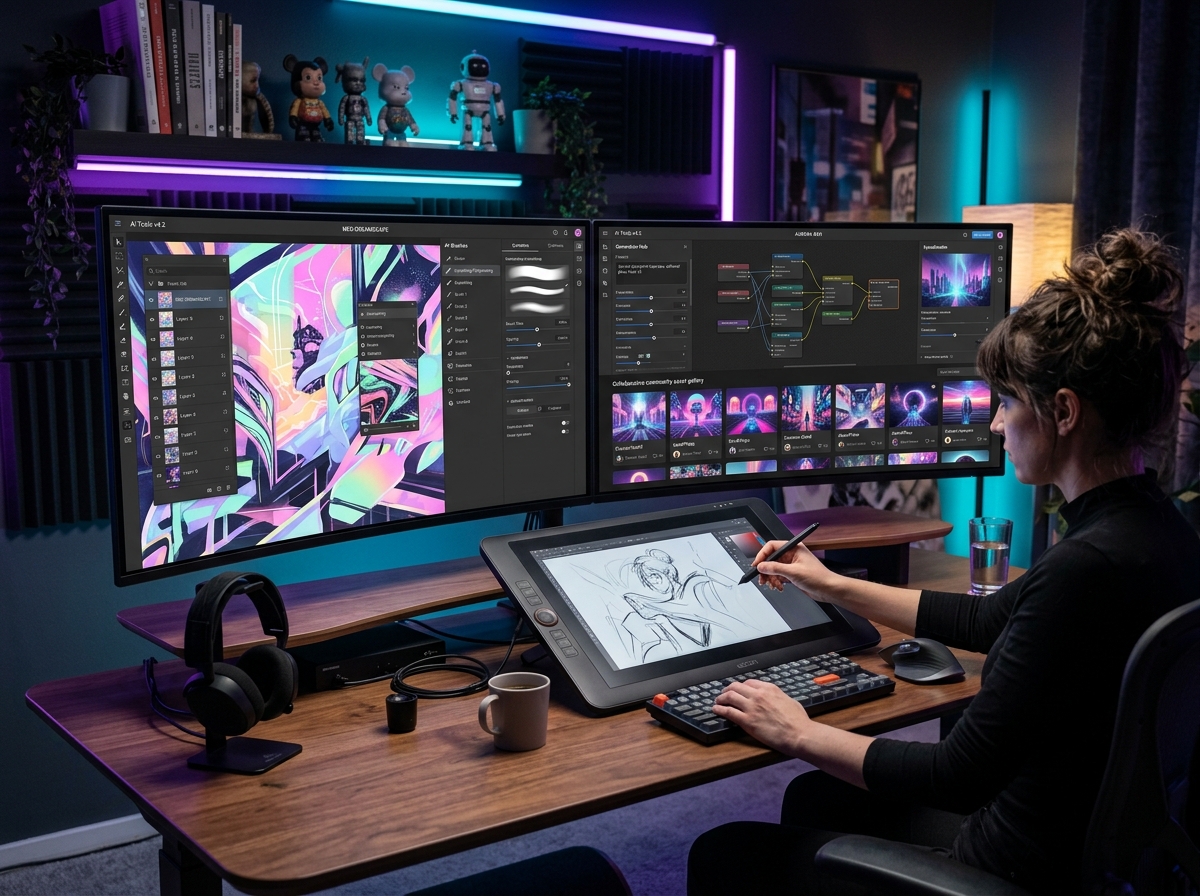
What Are the Best Free Advanced Art Tools & Community AI Platforms in 2026?
Advanced Art Tools & Community platforms represent a new breed of AI creative software that goes beyond simple text-to-image generators. Instead of just creating a single picture from a prompt, these tools integrate generative AI into full artistic workflows, including layering, style transfer, inpainting, upscaling, and vector editing, all within a social or community-driven ecosystem. For free users in 2026, this category is a goldmine because it removes the prohibitive cost of professional design suites while offering genuine creative control. You are not just clicking a "generate" button; you are collaborating with an AI that understands composition, lighting, and artistic intent, often while sharing your work and learning from a global community of creators.
The importance of these platforms has skyrocketed as AI-generated art becomes ubiquitous. In 2026, standing out requires refinement, iteration, and a personal artistic voice—exactly what advanced art tools enable. They allow you to start with an AI-generated base, then manually tweak, combine, and enhance it using digital painting brushes, node-based editors, and real-time collaboration features. For freelancers, small business owners, and hobbyists, this means you can produce portfolio-quality illustrations, product mockups, and social media assets without subscribing to expensive software like Adobe Creative Cloud or paying per-generation fees on basic AI image generators. The community aspect also provides a built-in feedback loop, with forums, remix features, and shared asset libraries that accelerate learning and inspiration.
Among the standout platforms offering the most generous free tiers in this space, ClipDrop by Stability AI provides a suite of advanced editing tools including clean-up, relight, and upscale, with a daily free credit system that regenerates every 24 hours. For deeper creative workflows, Craiyon (formerly DALL-E mini) remains a beloved free option for unlimited brainstorming and quick concept art, though its resolution is lower. Meanwhile, Neural Love offers a robust free tier that combines generative art, upscaling, and face restoration, perfect for restoring old photos or creating high-resolution art without a subscription. Each of these tools proves that you don't need a paid plan to access genuinely advanced creative AI capabilities.
What Can You Do for Free with Advanced Art Tools & Community Tools?
The free tiers of these platforms let you accomplish a surprising range of professional-grade tasks. For instance, you can generate high-fidelity concept art for a game or novel, then use inpainting to remove unwanted elements or replace backgrounds without messy manual masking. You can upscale a small, blurry logo into a crisp, print-ready vector at no cost, or apply style transfer to turn a photograph into an oil painting, watercolor, or cyberpunk illustration. Community features also enable you to remix public artworks—taking another creator's AI-generated landscape and adding your own characters or effects, which is an excellent way to learn advanced prompting and layering techniques without starting from scratch.
However, free versions come with notable limitations that you must navigate. Watermarks are common on Craiyon outputs unless you manually crop or use a third-party editor, while ClipDrop restricts the number of "pro" features you can use per day to around 100 credits, which can vanish quickly if you're doing multiple high-resolution upscales. Neural Love's free tier limits output resolution to 1080p and slows generation speed during peak hours, meaning you might wait several minutes for a complex render. To mitigate these, focus your daily credits on one or two polished final pieces rather than dozens of quick drafts, and use the community asset libraries for textures, backgrounds, and base images to save your credits for the final composition step.
In many real scenarios, the free version is more than sufficient. A social media manager, for example, can create a month's worth of unique Instagram posts using ClipDrop's text-to-image and background removal features without ever hitting the credit cap, as long as they stick to standard resolutions. A student working on a design portfolio can generate 20 variations of a logo concept using Craiyon's unlimited generation, then pick the best two for refinement. Even for small e-commerce sellers, upscaling product photos with Neural Love's free upscaler dramatically improves image quality for listing pages. The free tiers are not just demos—they are fully functional creative studios for anyone willing to work within their daily boundaries.
Key Features of Free Advanced Art Tools & Community Tools
- Inpainting & Outpainting Without Patches: Free tools like ClipDrop allow you to erase objects, fill in missing areas, or extend images beyond their original borders using AI context awareness. For example, you can remove a person from a vacation photo and have the AI seamlessly fill in the background with matching textures. Outpainting lets you creatively expand a small image into a wide panorama, such as turning a portrait into a full-body shot with a believable environment. These features save hours of manual Photoshop work and are surprisingly accurate even on free tiers, though resolution may be capped at 2K.
- Community Remixing & Asset Libraries: Platforms such as Craiyon and Neural Love host public galleries where you can browse thousands of AI-generated artworks, download the original prompts, and remix them. This is not just inspiration—it's a collaborative creation system. You can take a base image of a futuristic city, apply your own color palette or add characters, then republish it. The community often votes and comments, giving you organic feedback. Free users have full access to browse and remix, though they might be limited to exporting at lower resolutions or with a small watermark until they credit the original creator.
- Real-Time AI Upscaling & Denoising: Advanced upscaling tools are often locked behind paywalls, but Neural Love offers a free upscaler that can increase image resolution by 4x without introducing artifacts. This is a game-changer for improving low-quality source images, such as scanned family photos or small web graphics. The denoising feature reduces grain and sharpens edges, making images look professionally retouched. Free users typically get a daily limit of 5-10 upscales, which is enough to process a handful of critical images per day, such as a product hero shot or a profile picture.
- Style & Palette Presets for Consistency: Maintaining a consistent visual style across multiple images is critical for branding, and free advanced art tools provide preset style packs. ClipDrop's "Relight" feature, for example, lets you change the lighting direction and warmth of an image to match a mood board. Craiyon offers style selectors like "Digital Art," "Anime," or "3D Render" that apply consistent aesthetics. This enables you to create a series of social media graphics or concept thumbnails that look like they belong to the same collection, even though each is generated from a different prompt. Free users have access to 20-30 presets, while paid plans unlock hundreds of niche art styles.
- Text-to-Vector & SVG Export: Some free tools in this category, particularly those integrated with community platforms, can generate scalable vector graphics (SVG) from text prompts. This is invaluable for logo design, icon creation, and web graphics because vectors retain quality at any size. While the free export is usually limited to PNG at 300 DPI, you can often generate a vector version by using a feature like "Convert to SVG" within the community editor. This avoids the need for Adobe Illustrator and allows you to create scalable assets for business cards or website headers without any cost.
- Layer-Based Editing & Prompt Layers: Advanced community tools are adopting a layer-based approach similar to Photoshop but with AI-powered layers. For example, you can have one text prompt layer generating a sky, another for a landscape, and a third for a foreground character, then adjust each layer's opacity, blend mode, and position independently. Free users can typically use up to 3-5 layers per project, which is enough to create complex compositions like a fantasy scene or a product advertisement mockup. This feature turns AI art from a lottery into a deliberate editing workflow.
Who Should Use Free Advanced Art Tools & Community AI Tools?
This category is ideal for a broad range of users, from complete beginners to semi-professional designers. Graphic designers on a tight budget can use these tools to generate background textures, create social media templates, and experiment with AI-assisted layout ideation without spending a dime. Entrepreneurs and small business owners can produce product mockups, branding assets, and marketing visuals that look like they were created by a design agency, all while learning the ropes of AI-driven creativity. Content creators and YouTubers find immense value in generating custom thumbnails and channel art that stands out, without needing to hire an artist. Even experienced digital painters use these community tools to rapidly block out compositions, test color palettes, and gather reference material before finishing their work in traditional software.
For a specific example, consider a freelance illustrator who needs to pitch a children's book idea. Using Craiyon's free tier, they can generate 40-50 concept sketches of characters and scenes in a consistent style over several days, then present the best ones to a publisher. The community feedback feature allows them to post their concepts and get constructive criticism from other artists, which improves their portfolio before submission. Similarly, a non-profit organization raising funds for an environmental cause can use ClipDrop to create photorealistic before-and-after scenarios of reforestation projects, completely free, and use those images in donation campaigns. The key is that these tools lower the barrier to professional-quality visual communication.
When should you consider upgrading to a paid plan? If you find yourself frequently hitting the daily credit limits—for instance, needing more than 10 high-resolution upscales per day or wanting to remove watermarks entirely—it may be worth investing in a subscription. Also, if you require commercial licensing for stock photography or client work where the assets must be royalty-free without any attribution, the free community terms sometimes require attribution or limit commercial use. A paid upgrade typically removes these restrictions, provides priority processing speed, unlocks unlimited layer projects, and offers access to premium style packs and higher export resolutions. For most personal and small-scale commercial use, however, the free tiers are remarkably capable and will serve you well for months or even years of creative work.
Best Free AI Advanced Art Tools & Community Tools & Software
Explore our curated selection of verified free advanced art tools & community solutions, offering generous free plans, freemium features, or zero-cost access.