
Free AI Graphic Design Tools
The most advanced and reliable free AI-powered tools for graphic design tools. Save time and budget with these vetted solutions.
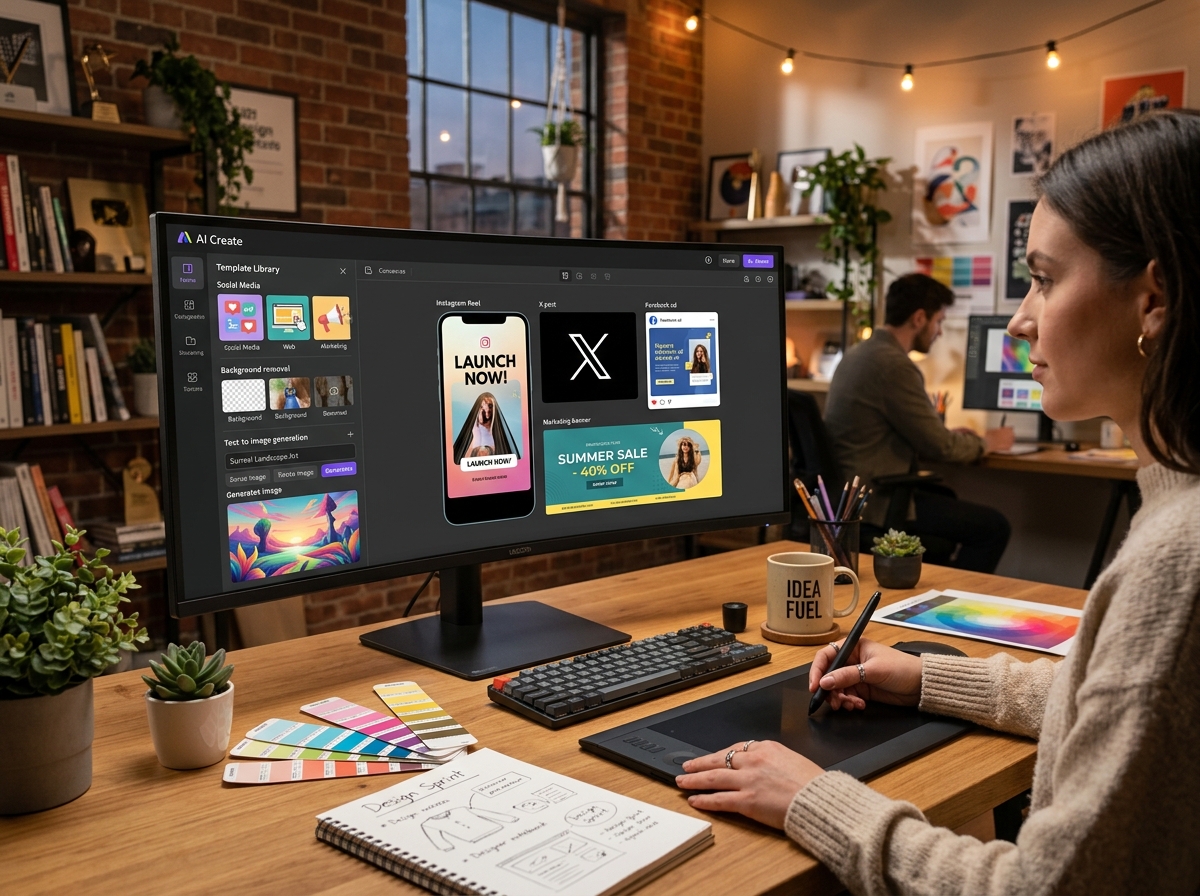
What Are the Best Free AI Graphic Design Tools in 2026?
AI-powered graphic design tools have democratized visual creation, allowing anyone—from solo entrepreneurs to marketing teams—to produce professional-looking assets without deep design expertise. These platforms leverage machine learning to automate repetitive tasks, generate unique layouts, and even create images from text prompts. In 2026, the market is saturated with options, but the true value lies in what you can achieve without spending a dime. Free tiers have matured significantly, offering robust feature sets that rival entry-level paid subscriptions from just a few years ago. Whether you need social media graphics, presentation slides, branding materials, or product mockups, today’s free AI graphic design tools can handle the majority of everyday design needs.
The importance of free graphic design tools has skyrocketed as remote work and digital content creation continue to dominate. Startups and freelancers often operate on tight budgets, yet they still need to maintain a strong visual identity across multiple channels. AI tools bridge this gap by providing smart suggestions, auto-resizing features, and one-click transformations that save hours of manual work. For example, a small e-commerce business can generate a complete set of product images, banners, and ads using a single tool, all without hiring a designer. In 2026, the line between free and paid is blurring, making it essential to know which platforms deliver the best bang for zero bucks.
Three standout tools exemplify the best free offerings in 2026. Canva remains the gold standard for free design, providing thousands of templates, a massive library of elements, and AI features like Magic Studio (text-to-image, background remover, and auto-animate). Its free plan limits you to 5GB of cloud storage, a handful of AI image generations per month, and no access to premium templates, but it’s more than enough for basic to intermediate projects. Adobe Express offers a generous free tier with firefly-powered generative AI, PDF tools, and professional templates. The catch is a watermark on some assets and a daily cap for generative credits (usually 25 per month). Microsoft Designer integrates seamlessly with the Microsoft ecosystem, offering AI-generated designs from prompts, smart layouts, and a growing template library. Its free plan limits you to 15 image generations per day and includes a small watermark on exported images, but it’s an excellent choice for Office users. All three tools provide core functionality without requiring a credit card.
What Can You Do for Free with AI Graphic Design Tools?
With the free tiers of modern AI design platforms, you can create a wide array of visual content. Social media graphics—Instagram posts, Facebook covers, LinkedIn banners, Twitter headers—are the most common use case. Tools like Canva and Adobe Express offer pre-sized templates for every platform, and you can customize them with your brand colors, fonts, and logos. You can also generate custom illustrations and icons using AI text-to-image features, though with daily quotas. Basic photo editing such as cropping, adjusting brightness, applying filters, and removing backgrounds (with minor artifacts) is available on all three platforms. Additionally, you can produce simple presentations, flyers, business cards, and even short animated videos using built-in animation tools—all without paying.
However, free versions come with notable limitations that you should be aware of before diving in. The most common restraints include watermarks on exported images (especially in Microsoft Designer and Adobe Express for certain asset types), low-resolution exports (often capped at 1080p or 3000x3000px), and restricted access to premium templates (vast libraries are locked behind a paywall). Generative AI features are typically throttled—Canva allows only 50 AI image generations per month on its free plan, Adobe Express gives 25 generative credits, and Microsoft Designer caps at 15 daily. You also get limited cloud storage, no advanced collaboration features (like real-time team editing), and slower rendering speeds compared to paid plans. These limitations are designed to encourage upgrades but are rarely deal-breakers for individual users or small projects.
For many real-world scenarios, the free version is more than sufficient. A freelance writer can create consistent Pinterest pins and blog headers without ever hitting the AI generation cap. A local bakery can design weekly social media posts promoting new flavors using only free templates. A student can craft a professional-looking presentation for a class project. Even small nonprofits often rely on free tiers to maintain their online presence. The key is to plan your usage: batch your AI generations once a week, reuse templates to minimize work, and avoid high-resolution exports unless absolutely necessary. If your only need is to produce a handful of polished graphics per week, the free plans will serve you beautifully.
Key Features of Free AI Graphic Design Tools
- AI Text-to-Image Generation: Turn written prompts into unique visuals such as backgrounds, illustrations, and mockups. Canva’s Magic Media, Adobe Firefly, and Microsoft Designer’s DALL-E integration all offer this. Free plans limit the number of generations (typically 15–50 per month) and may add watermarks, but the quality is impressive for zero cost.
- Extensive Template Library: Thousands of professionally designed templates for every channel and format. Free users get access to a substantial subset (often 80%+ of templates are gratis). You can customize colors, fonts, images, and layouts with a drag-and-drop interface. Templates are regularly updated to reflect current design trends.
- Background Removal: One-click AI-powered background removal is standard on free plans. Canva and Adobe Express both offer this with surprising accuracy (green screen not required). The free version may leave slight edges or require manual refinement in complex images, but it works well for product photos and portraits.
- Auto-Resize & Magic Switch: Resize an existing design to any format (Instagram story, Facebook post, email header) in one click. This feature is available for free in Canva and Adobe Express, though the number of resizes may be capped. It’s invaluable for repurposing content across multiple platforms.
- Basic Animation & Motion: Add simple animations like fade, slide, or bounce to text and elements. Free plans typically limit animation complexity and export resolution (often 480p or 720p for videos). You can create eye-catching social media posts that move without any design skill.
- Brand Kit & Collaboration (Limited): Store your brand colors, logos, and fonts for quick access. Canva’s free plan lets you create one brand kit; Adobe Express offers limited brand management. Real-time collaboration (multiple users editing the same design) is usually restricted to paid plans, but you can share a link for viewing or commenting for free.
Who Should Use Free AI Graphic Design Tools?
Free AI graphic design tools are ideal for a broad audience, but they particularly benefit three groups: solopreneurs and freelancers, small business owners, and students. Solopreneurs—whether they’re coaches, consultants, or creatives—need to maintain a consistent brand image across social media, email newsletters, and their website. With free tools, they can produce cohesive graphics without investing in expensive software or outsourcing to designers. Small business owners, especially those in niche markets like handmade crafts, local food services, or boutique retail, can generate eye-catching promotional materials for daily posts, seasonal campaigns, and print flyers. Students from high school to university can create polished presentations, posters, and infographics for assignments and club events—no Adobe subscription required.
The real-world use cases are diverse. A fitness instructor on Instagram uses Canva’s free plan to post workout infographics and motivational quotes three times a week. A freelance copywriter uses Adobe Express to craft portfolio mockups and client pitch decks. A university club leader designs event flyers using Microsoft Designer’s AI image generation. Non-designers like real estate agents, yoga teachers, or even developers building personal projects also rely on these tools. The learning curve is minimal, and most platforms offer tutorials and in-app guidance. The free tier acts as a sandbox where anyone can experiment with design principles without financial risk.
That said, there comes a point when upgrading to a paid plan makes sense. If you need to generate more than 50 AI images per month, require high-resolution exports for print (300 DPI), or want to collaborate with a team in real time, the free versions will become frustrating. Watermarks become unprofessional for client-facing materials—though some tools let you remove them by crediting the source. If you find yourself constantly hitting limits or wasting time on manual tweaks, a $10–15 monthly subscription can unlock unlimited AI generations, premium templates, team features, and priority processing. For most individual users, however, the free plans are sufficient for 90% of everyday design tasks. Evaluate your volume and quality needs before committing to paid, and always start free—you may be surprised how far you can go.
Best Free AI Graphic Design Tools Tools & Software
Explore our curated selection of verified free graphic design tools solutions, offering generous free plans, freemium features, or zero-cost access.