
Free AI Illustration Generators
The most advanced and reliable free AI-powered tools for illustration generators. Save time and budget with these vetted solutions.
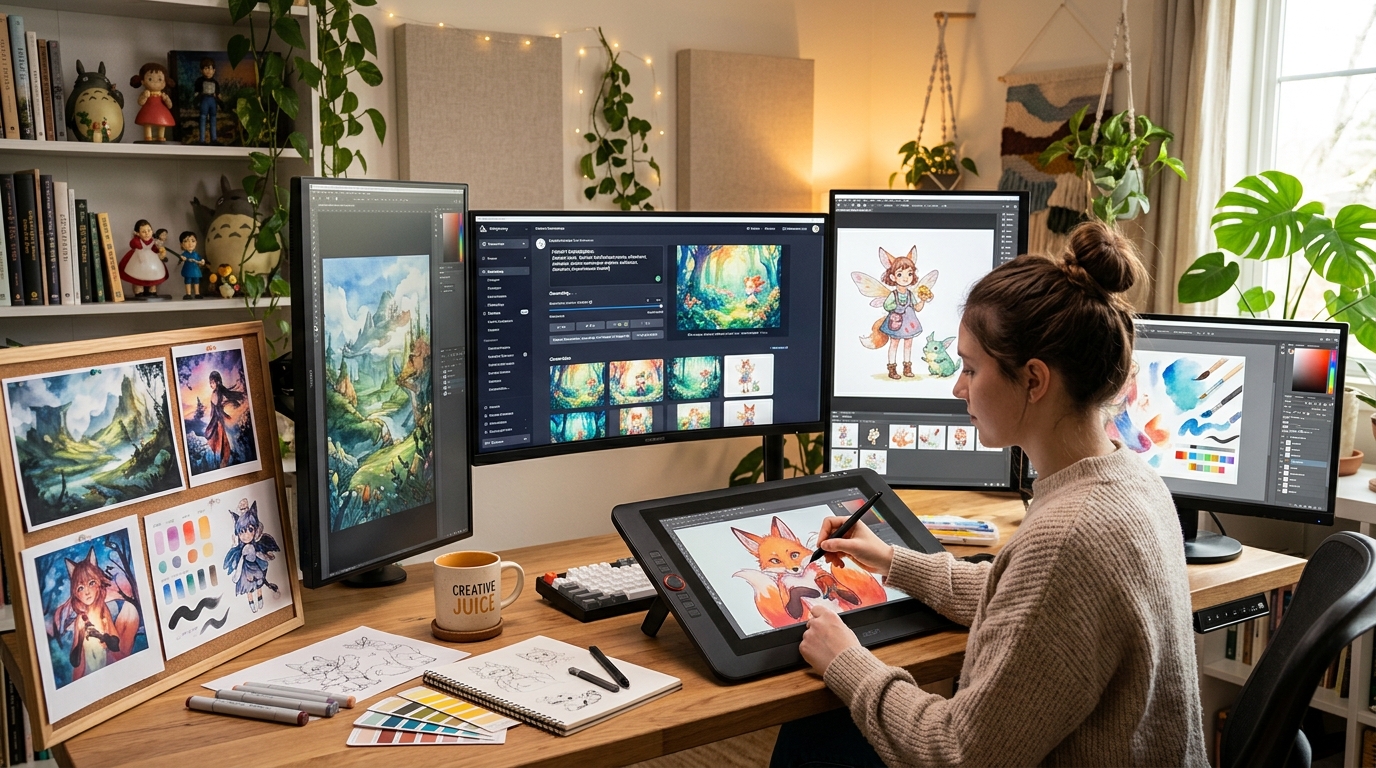
What Are the Best Free AI Illustration Generators for Budget‑Conscious Creators?
AI Illustration Generators are machine‑learning models that transform text prompts into original digital artwork, ranging from simple icons to complex fantasy landscapes. Unlike traditional illustration software that requires hours of manual drawing, these tools let anyone—regardless of artistic skill—produce visually compelling images in seconds. The core value lies in democratizing creativity: a startup founder can generate product mockups without hiring a designer, a teacher can craft custom flashcards, and a hobbyist can explore surreal art styles for free.
In 2026, AI illustration tools have become indispensable for rapid prototyping, social media content, and even low‑budget publishing. The free tiers offered by platforms like Craiyon, Leonardo.ai, and Playground AI have lowered the barrier to entry. For instance, a small business owner can create consistent branding assets—like mascots or background patterns—without burning through a marketing budget. The technology has matured enough that free outputs are often usable in real projects, provided you accept certain limitations.
Among the best free options, Craiyon stands out for its unlimited prompt generations, though every image carries a visible watermark and resolution is capped at 1024×1024 pixels. Leonardo.ai offers 150 free daily tokens that can be spent on high‑quality generations, upscaling, and background removal—but once the tokens run out, you must wait 24 hours or upgrade. Playground AI provides a generous free tier with 500 images per month and access to several models like Stable Diffusion XL, but outputs are limited to 512×512 pixels unless you purchase credits. Each tool balances cost and capability differently, making it easy to find one that fits your specific needs without spending a dime.
What Can You Do for Free with AI Illustration Generators Tools?
Free tiers let you generate a wide variety of illustrations: character designs for indie games, concept art for short films, book covers for self‑published novels, social media banners, and even simple infographics. For example, a blogger can create a unique header image for each post by describing the scene in a sentence, while a student can visualize historical events for a presentation. The real power is in iteration—you can tweak prompts, adjust styles (e.g., “watercolor,” “cyberpunk,” “studio ghibli”), and regenerate until the output matches your vision.
However, free versions come with notable limitations. Watermarks are common—Craiyon places a small logo in the corner, and Playground AI’s free tier adds a subtle “Playground” mark unless you pay. Quotas restrict daily or monthly usage: Leonardo.ai’s 150 tokens may feel tight if you need many high‑resolution images. Resolution caps (often 512×512 or 1024×1024) limit print‑ready work. Generation speed is also throttled—free users often wait in queues or face slower processing. To work around these, you can crop watermarks, combine multiple low‑res images into a collage, or schedule your heavy generation days to match token resets.
Despite these constraints, free versions suffice for many real‑world scenarios. A freelance writer needing a dozen social media graphics per week can easily stay within free quotas. A teacher preparing a single classroom poster each month will never hit the limit. Even a game jam participant can generate dozens of placeholder sprites for a prototype. The key is to match the tool’s free allowance to your production volume—if you need 1000 images a month, you’ll likely need to upgrade, but for light to moderate use, free plans are remarkably capable.
Key Features of Free AI Illustration Generators Tools
- Text‑to‑Image Generation: The core feature converts descriptive prompts into visual art. Free users get full access to the generation engine, but often with limited resolution and slower inference. For example, Leonardo.ai lets you choose from multiple models (e.g., Leonardo Kino, DreamShaper) even on the free plan, giving you stylistic variety without paying.
- Style Presets & Filters: Most tools offer built‑in artistic styles (anime, oil painting, 3D render, etc.) to guide the output. Playground AI includes over 80 style presets that work on the free tier, enabling users to experiment with different aesthetics instantly without manual prompt engineering.
- Image Upscaling & Enhancement: Some free tiers include basic upscaling (e.g., 2× or 4×) to improve resolution. Leonardo.ai allows up to 4× upscaling with its free tokens, which is helpful for turning small generations into wallpaper‑sized images. However, advanced AI upscalers often require paid credits.
- Background Removal: Several tools integrate AI‑powered background erasure. Playground AI’s free plan includes a “remove background” feature that works well for product photography or isolating characters. Free users typically get a limited number of removals per day (e.g., 10 on Playground).
- Community & Gallery Access: Free accounts let you browse millions of user‑generated images for inspiration, copy prompts, and remix styles. Craiyon’s public gallery is a goldmine for prompt ideas. This social feature reduces the learning curve and sparks creativity without spending money.
- Batch Generation & History: Many free plans allow generating multiple variations at once (e.g., 4 images per prompt). History is usually saved for a limited time (7–30 days) so you can revisit past creations. Leonardo.ai stores your last 100 generations on the free tier, making it easy to compare and download.
Who Should Use Free AI Illustration Generators AI Tools?
These free tools are ideal for students, hobbyists, small business owners, content creators, and anyone exploring AI art for the first time. A college student designing a poster for a club event can generate a professional‑looking flyer in minutes. A solopreneur creating social media posts for a new brand can maintain visual consistency without hiring a graphic designer. Even professional illustrators use free generators as a rapid ideation tool—sketching out rough concepts before committing to a final hand‑drawn piece.
Use‑case examples: a travel blogger can generate custom illustrations of destinations to accompany articles; a teacher can create engaging worksheets with themed clipart; a game developer can prototype character concepts for a game jam. The low barrier to entry means you can test multiple artistic directions before investing time or money. For instance, a children’s book author can generate sample illustrations to test with their audience before commissioning a professional artist.
When should you consider upgrading to a paid plan? If you need watermark‑free images for commercial products, require high‑resolution output for print (300+ DPI), or generate more than a few hundred images per month, a paid subscription becomes cost‑effective. Also, if you rely on advanced features like inpainting, custom model training, or commercial licensing, free tiers won’t suffice. But for experimentation, low‑volume projects, and learning, free AI illustration generators are an incredible resource that saves both time and money.
Best Free AI Illustration Generators Tools & Software
Explore our curated selection of verified free illustration generators solutions, offering generous free plans, freemium features, or zero-cost access.