
Free AI Interface & UX Design
The most advanced and reliable free AI-powered tools for interface & ux design. Save time and budget with these vetted solutions.
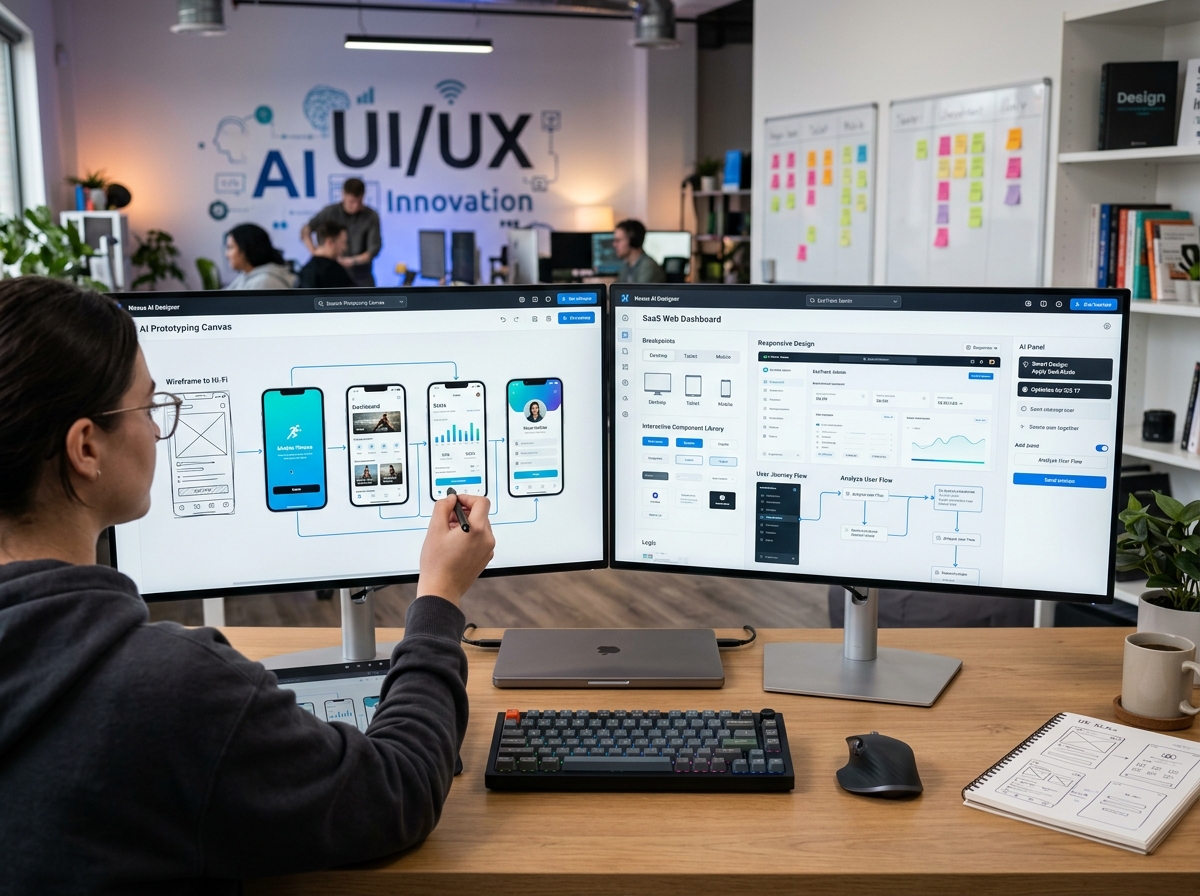
How to Create Professional Interfaces Without Spending a Penny?
AI Interface & UX Design tools represent a paradigm shift in how digital products are conceived, prototyped, and refined. They empower designers, product managers, and even complete beginners to generate high-fidelity mockups, interactive prototypes, and user flows with minimal manual effort. Instead of starting from a blank canvas, you describe your idea in plain language or upload a rough sketch, and the AI instantly transforms it into a clean, usable design. This dramatically cuts down the time from concept to validation, making them indispensable for startups, solo founders, and agencies looking to iterate rapidly without exhausting their budgets.
By 2026, the landscape of UX design has been reshaped by generative AI. Tools that once required deep knowledge of layout grids, typography systems, and component libraries now offer smart suggestions, auto-layout, and even automatic conversion of screenshots into editable designs. The real beauty lies in the generous free tiers that startups and freelancers can leverage to test their ideas before committing to a paid subscription. Whether you're crafting a mobile app, a dashboard, or a landing page, these AI-powered assistants help you maintain consistency and accessibility standards without drowning in repetitive tasks.
Among the most notable free offerings, Uizard stands out by letting you convert wireframes and screenshots into editable UI designs with its AI vision feature—the free plan includes unlimited projects and up to three design exports per month. Visily goes further by providing a free forever tier with generous storage and access to its AI screenshot-to-design and text-to-design capabilities, though export options are limited to standard resolution images. Meanwhile, Figma offers its collaborative design platform for free, and its AI features (like “Generate Design” and “Rename Layers”) are available with usage caps on the Starter plan, making it a solid choice for teams already embedded in the Figma ecosystem. Each of these tools has carved a niche: Uizard for rapid prototyping from sketches, Visily for converting any visual reference into a design system, and Figma for polished, collaborative interface design with AI assistance.
What Can You Do for Free with AI Interface & UX Design Tools?
With free tiers, you can accomplish a surprising range of professional tasks. Start by generating full mobile or desktop screens from a text prompt—simply describe a login screen, a dashboard, or a checkout flow, and the AI produces a visually coherent layout. You can also upload a hand-drawn sketch or a screenshot of an existing app, and tools like Visily and Uizard will convert it into an editable design with recognisable UI elements. This is perfect for quickly digitising whiteboard ideas during brainstorming sessions. Prototyping is equally feasible: most free plans let you link screens, add basic transitions, and share clickable previews with stakeholders for early feedback.
However, free versions come with meaningful limitations that you should plan around. Watermarking is rare among these tools, but export resolutions are often capped at 1x or standard definition, so high-fidelity retina assets may require a paid upgrade. Quotas on AI generations are typical—Uizard, for example, gives three free AI exports per month, while Visily imposes a limit on the number of “AI conversions” (usually around 5 per day). Component libraries and templates are sometimes restricted, meaning you might miss out on advanced design systems or industry-specific templates. Collaboration features are also gated: real-time multi-player editing may be limited to 2–3 active editors, and version history might only retain the last 30 days. Speed can be slower on free tiers, especially when rendering complex prototypes, but for solo exploration this is usually acceptable.
There are many real-world scenarios where the free version is more than enough. A startup founder validating a mobile app concept can design all core screens using Uizard’s sketch import and create a clickable prototype to test with early users. A freelance designer looking to run a quick A/B test for a landing page can use Figma’s free plan to spin up two variants with AI-generated copy and layout suggestions. Even a product manager wanting to communicate a new feature flow to developers can create a polished wireflow in Visily without writing a single line of code. As long as you are not producing final production assets at retina resolution or working with a large team, the free tiers cover the entire design thinking loop from ideation to low-fidelity validation.
Key Features of Free AI Interface & UX Design Tools
- Text-to-UI Generation: Describe your desired interface in natural language (e.g., “create a dashboard with a sidebar, header, and a table of recent orders”) and the AI produces a fully layered design. This feature is usually available on free plans with a daily quota (e.g., 10–15 generations per day). It’s ideal for rapidly iterating on information architecture and visual hierarchy without manually placing every element.
- Screenshot & Sketch Conversion: Upload a screenshot of an existing app or a photo of a hand-drawn wireframe, and the AI automatically identifies UI components—buttons, text fields, images—and reconstructs them as editable objects. This feature is a game-changer for competitive analysis and migrating designs from legacy tools. Free tiers limit file size and number of conversions (e.g., 3–5 per month).
- Auto-Layout & Responsive Resizing: AI tools automatically apply constraints and auto-layout rules so your designs adapt gracefully to different screen sizes. Free users get access to basic responsive presets, though advanced breakpoint customization may be locked behind the paywall. This drastically reduces the time spent resizing elements for mobile, tablet, and desktop.
- Component Library & Templates: Free plans include a limited set of pre-built UI components (buttons, cards, modals) and starter templates (e.g., e‑commerce, social media). While the premium libraries are extensive, the free collection is sufficient to build a consistent prototype quickly. Templates often come with placeholder data that can be replaced.
- Interactive Prototyping: Link screens together with clicks, hover interactions, and simple animations. Free tiers generally support up to ten screens in a prototype and basic transitions (slide, fade). Sharing a public link is allowed, but private sharing or password protection usually requires an upgrade. This is sufficient for internal reviews and user testing sessions with a small group.
- Export & Handoff (Standard Resolution): You can export designs as PNG, JPG, or PDF (standard resolution). Free tiers often limit resolution to 1x (72 dpi) and add a small watermark in some cases. Handoff capability—generating specs and CSS/React code—is sometimes available in read-only mode, allowing developers to reproduce the design without a subscription.
Who Should Use Free AI Interface & UX Design AI Tools?
These free tools are tailor-made for early‑stage founders, solo product designers, and small teams operating on a bootstrap budget. If you are a startup with fewer than three members and have not yet secured funding, the free tiers of Uizard, Visily, and Figma allow you to explore dozens of design directions, build prototypes for pitch decks, and gather initial user feedback—all without spending a dollar. They are also perfect for design students and bootcamp graduates who need to build a strong portfolio with real‑world projects; the constraints of free plans teach you to be resourceful and focused on core flows rather than pixel perfection.
For product managers and non‑designers, these tools serve as a bridge between abstract requirements and visual artifacts. A PM can quickly mock up a new feature idea and export it as a spec for engineers, reducing misinterpretations. Similarly, marketers creating landing pages can use text‑to‑UI generation to produce several design variants and test which layout drives better engagement. In each scenario, the ability to work collaboratively (even with limited editors) and iterate rapidly outweighs the restrictions on resolution and advanced interactions.
However, there comes a point when the free plan no longer suffices. If you need high‑resolution exports for production assets (e.g., App Store screenshots, print materials), unlimited AI generations to test dozens of layouts in a single day, or advanced prototyping features like conditional logic and variables, you should consider upgrading. Teams larger than three people will quickly hit collaboration limits, and professional agencies requiring full component libraries and white‑label exports will benefit from the paid tiers. The good news is that the free versions serve as a perfect trial run—you can spend weeks or months validating your product concept before deciding to invest, and by then you’ll know exactly which premium features will accelerate your workflow.
Best Free AI Interface & UX Design Tools & Software
Explore our curated selection of verified free interface & ux design solutions, offering generous free plans, freemium features, or zero-cost access.