
Free AI Logo & Brand Identity
The most advanced and reliable free AI-powered tools for logo & brand identity. Save time and budget with these vetted solutions.
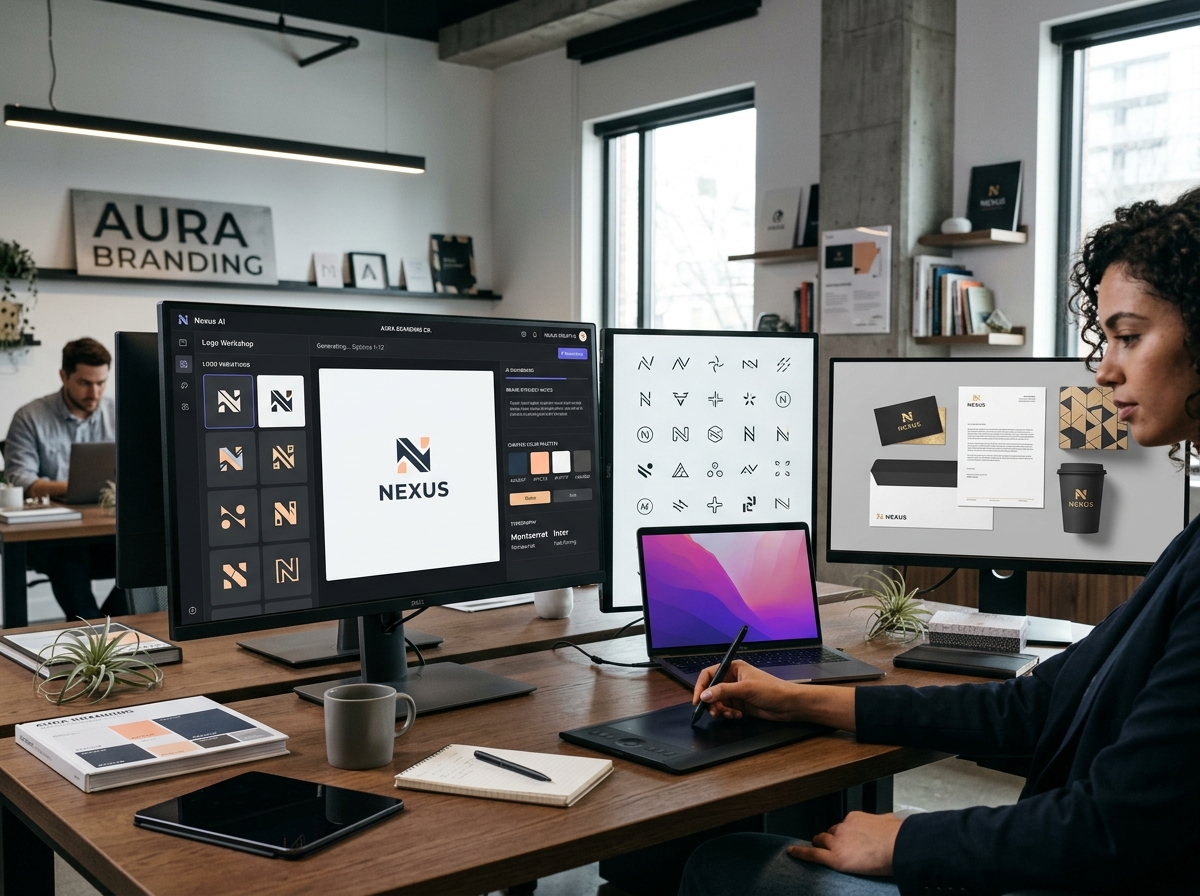
How to Choose the Best Free AI Logo & Brand Identity Tool in 2026?
AI Logo & Brand Identity tools have revolutionized the way startups, freelancers, and small businesses create professional visual identities. These platforms use generative algorithms to turn your brand name, industry, and style preferences into custom logos, color palettes, typography sets, and even complete brand kits. In 2026, the best free options combine intuitive design wizards with enough customization to produce a cohesive look without spending a dime. Whether you're launching a side project, testing a business idea, or refreshing an existing brand, these tools let you experiment rapidly and iterate until you find the perfect visual match.
The landscape of free AI branding tools has matured significantly. What once required a professional designer or expensive software can now be done in minutes through a browser. However, not all free tiers are created equal. Some limit you to a handful of logo variations, while others watermark your exports or restrict vector file downloads. Understanding these trade-offs helps you pick a tool that aligns with your budget and quality needs. For example, Looka offers a generous free logo maker with AI-driven suggestions based on your style quiz, but you'll need to pay to download high-resolution PNGs and SVGs without a watermark. Canva provides a powerful free logo design tool integrated with its broader design ecosystem, though premium elements and advanced brand kits require a subscription. Hatchful by Shopify is completely free and delivers multiple logo concepts based on your industry and style, but customization is more limited and exports are low-resolution PNGs only.
When evaluating free AI branding tools, consider the depth of the brand identity beyond just a logo. The best tools help you define a color palette, choose complementary fonts, and generate social media kit templates. Some even offer brand guideline PDFs. For instance, Looka's free tier lets you preview your logo on mockups like business cards and signage, giving you a realistic sense of how your brand will appear in the wild. Canva's free version includes thousands of templates for social posts, presentations, and flyers that can be unified under your brand colors and fonts. Hatchful provides a simple brand style guide with your logo, color hex codes, and suggested typography. These extras are invaluable for entrepreneurs who need a consistent look across multiple touchpoints without hiring a designer.
What Can You Do for Free with AI Logo & Brand Identity Tools?
Free AI branding tools allow you to generate dozens of logo concepts in seconds by answering a few questions about your industry, style preferences, and brand name. You can then customize colors, fonts, layouts, and icons to fine-tune the design. Many platforms let you preview your logo on mockups like t-shirts, storefronts, or digital ads, giving you a realistic feel before finalizing. You can also create a basic brand color palette and select primary and secondary fonts that work together. Some tools, like Canva, go further by letting you design matching social media headers, business cards, and letterheads using the same brand assets.
However, free versions come with notable limitations. Watermarks are common on high-resolution exports – Looka, for example, places a small logo on free downloads. File formats are often restricted to low-resolution PNGs (typically 72 DPI) rather than scalable SVGs or EPS files needed for professional printing. The number of logo variations or design iterations may be capped; Hatchful gives you about 10 initial concepts and limited editing options. Advanced features like brand guideline PDFs, team collaboration, or integration with design tools are usually locked behind paid plans. Speed can also be a factor – free users may experience longer generation times or occasional ads.
Despite these constraints, free AI branding tools are more than sufficient for many real-world scenarios. A freelancer testing a new personal brand can use Looka or Canva to create a polished logo for their portfolio site and social profiles without any cost. A small e-commerce startup can generate a cohesive brand identity with Hatchful and use the low-resolution PNGs for initial website mockups and social media posts. Even a local bakery looking to refresh its signage can experiment with different styles and colors before committing to a paid design service. The key is to use the free tier for exploration and validation, then upgrade only when you need professional-grade assets for large-scale printing or full brand guidelines.
Key Features of Free AI Logo & Brand Identity Tools
- AI-Powered Logo Generation: Enter your brand name and industry, and the tool instantly produces multiple logo concepts using machine learning. Looka, for instance, uses a style quiz to understand your preferences and generates dozens of unique designs tailored to your taste. This feature dramatically reduces the time from idea to visual identity, letting you iterate quickly without design skills.
- Customizable Color Palettes & Typography: Free tools let you adjust every element of your logo – colors, fonts, spacing, and icon placement. Canva offers thousands of font combinations and color presets, while Hatchful provides a curated set of industry-appropriate palettes. You can preview how different choices affect the overall brand feel, ensuring your identity communicates the right message.
- Mockup Previews: See your logo on real-world items like business cards, apparel, signage, and digital screens. Looka's free tier includes a mockup gallery that helps you visualize your brand in context. This feature is especially useful for entrepreneurs who want to test how their logo will look on a storefront or product packaging before investing in printing.
- Brand Kit Creation (Limited): Some free tools help you build a basic brand identity beyond the logo. Canva's free brand kit allows you to save your brand colors and fonts for use across all designs. Hatchful generates a simple brand style guide with color codes and typography recommendations. This ensures consistency when you create social media graphics, presentations, or marketing materials.
- Export Options (with Restrictions): Free users can typically download their logo in low-resolution PNG format (72 DPI). While this is sufficient for web use and social media, it lacks the scalability needed for large-format printing. Some tools, like Looka, offer a one-time free high-resolution download after signing up, but most require a paid plan for vector files (SVG/EPS) and transparent backgrounds.
- Industry-Specific Templates & Icons: Free AI branding tools offer hundreds of pre-designed templates and icon libraries categorized by industry – tech, food, fashion, education, healthcare, and more. Canva's free library includes thousands of icons and illustrations, while Hatchful tailors its suggestions to your business type. This makes it easy to start with a design that already fits your niche.
Who Should Use Free AI Logo & Brand Identity AI Tools?
Free AI branding tools are ideal for solopreneurs, freelancers, side project creators, and small business owners who need a professional-looking logo without the upfront cost of a designer. Students launching a club or event, nonprofit volunteers building a campaign identity, and content creators establishing a personal brand also benefit greatly. The tools are designed for non-designers – no prior experience is required. Even established businesses use free tiers to brainstorm new directions before committing to a full rebrand.
For example, a freelance photographer can use Looka to create a minimalist logo that reflects their style, then use Canva to design matching watermark overlays and social media templates. A small e-commerce store selling handmade candles can generate a rustic logo with Hatchful and immediately apply the brand colors to their Shopify storefront. A tech startup in pre-seed stage can quickly produce a clean, modern brand identity for their landing page and pitch deck without delaying launch. In each case, the free tool provides enough quality to establish credibility and test market response.
However, there comes a point when a paid plan becomes worthwhile. If you need vector files for professional printing, require multiple brand kits for different sub-brands, or want to collaborate with a team, upgrading unlocks those capabilities. Also, if your business relies heavily on brand consistency across dozens of channels, the brand guideline PDFs and advanced export options in paid tiers save time and reduce errors. For most early-stage projects, though, the free versions of Looka, Canva, or Hatchful deliver exceptional value and can carry you from idea to launch without spending a cent.
Best Free AI Logo & Brand Identity Tools & Software
Explore our curated selection of verified free logo & brand identity solutions, offering generous free plans, freemium features, or zero-cost access.