
Free AI Typography & Fonts
The most advanced and reliable free AI-powered tools for typography & fonts. Save time and budget with these vetted solutions.
What Are the Best Free Typography & Fonts AI Tools in 2026?
Typography is the bedrock of visual communication—it shapes how audiences perceive a brand, read a layout, or trust a website. In the AI era, typography tools have evolved far beyond simple font libraries. These AI-powered platforms now analyze spacing, contrast, and readability on the fly, suggesting optimal type pairings and even generating entirely custom typefaces from a few text prompts. For freelancers, small business owners, and design students, the appeal is obvious: you get professional-grade typography assistance without paying a subscription fee. This page compiles the best typography and fonts AI tools that still offer a genuinely useful free tier in 2026, helping you craft stunning interfaces, marketing materials, and content without touching your budget.
The importance of these tools has skyrocketed as more teams adopt remote workflows and rely on self-serve design assets. Instead of hiring a type designer or spending hours kerning letters manually, free AI typography tools can automatically adjust font weights, suggest accessible contrast ratios, and ensure your chosen typefaces work across different screen sizes. They are especially vital for rapid prototyping—when you need a pixel-perfect mockup for a client pitch or a social media campaign within hours. By integrating machine learning models trained on millions of design compositions, these tools can predict which font combinations will resonate with your target demographic, learn your style preferences over time, and even generate unique letterforms that are both legible and memorable.
If you are exploring this category for the first time, three standout tools deserve your attention. Fontjoy is a lightweight, browser-based AI that pairs complementary serif and sans-serif fonts automatically—its free version gives unlimited pairings and allows you to adjust contrast levels across three typefaces. Prototypo offers a more advanced approach: you tweak sliders for width, height, and angle, and its AI generates a complete font family in seconds. The free tier grants limited exports but includes a generous preview canvas. Finally, Deepfont uses generative adversarial networks to create brand-new display fonts from text descriptions; you can render up to 20 sample glyphs per day without paying, which is ideal for experimental projects.
What Can You Do for Free with Typography & Fonts Tools?
The free tiers of these AI typography tools are surprisingly robust. You can generate font pairings for an entire brand identity, experiment with variable font axes (weight, width, slant), and preview how your text will look on realistic backgrounds—from web forms and mobile apps to printed posters. For instance, a social media manager can input their brand name and instantly receive three distinct style proposals, each with a different mood: one bold and geometric, one elegant with high contrast, another playful with rounded terminals. Many tools also offer an interactive text editor where you can type your own wording, scale it, and see how the AI adjusts letter spacing to maintain visual rhythm. This is invaluable for designing hero sections, call-to-action buttons, and newsletter headers.
However, free versions come with limitations you need to accept. Watermarking is common for generated fonts, especially when exporting high-resolution files for commercial projects. Prototypo, for example, only allows you to download your custom typeface with a small watermark embedded in the preview, forcing you to rely on screenshots for client presentations. Quotas also restrict how many complete font families you can generate per day—typically between 3 and 10 on free plans. Speed is another constraint: while premium users might generate a full family in under a second, free accounts may queue requests, especially during peak hours. Nonetheless, you can bypass these issues by using the tools for inspiration rather than final deliverables. Take a screenshot of your pairing, recreate it using free open-source fonts from Google Fonts, and apply your own kerning in a vector editor.
In most practical scenarios, the free tier is more than enough. For a student portfolio, a side project, or an internal style guide, you rarely need professional-grade commercial licensing. Example: a startup founder preparing a pitch deck can use Fontjoy to choose a headline font, then manually replicate the pairing in Figma with free alternatives. They get the same visual effect without spending a cent. Similarly, a UI/UX designer can use Deepfont to brainstorm futuristic logo ideas, then refine the strongest concept in Illustrator—using the AI-generated glyphs as a starting point rather than the final asset. In these cases, free tools serve as ideation engines, and their output is perfectly usable as low-fidelity prototypes.
Key Features of Free Typography & Fonts Tools
- AI-Powered Font Pairing: Automatically suggests complementary font combinations based on contrast, x-height, and overall visual harmony. For example, Fontjoy uses radial context to find the perfect match for a display serif with a neutral geometric sans, reducing your browsing time from hours to seconds.
- Custom Typeface Generation: Generate entirely new fonts by adjusting parametric sliders or typing descriptive text. Deepfont can create a condensed, sharp font for sports branding or a soft, rounded font for children’s apps, with real-time previews of each character in a sample sentence.
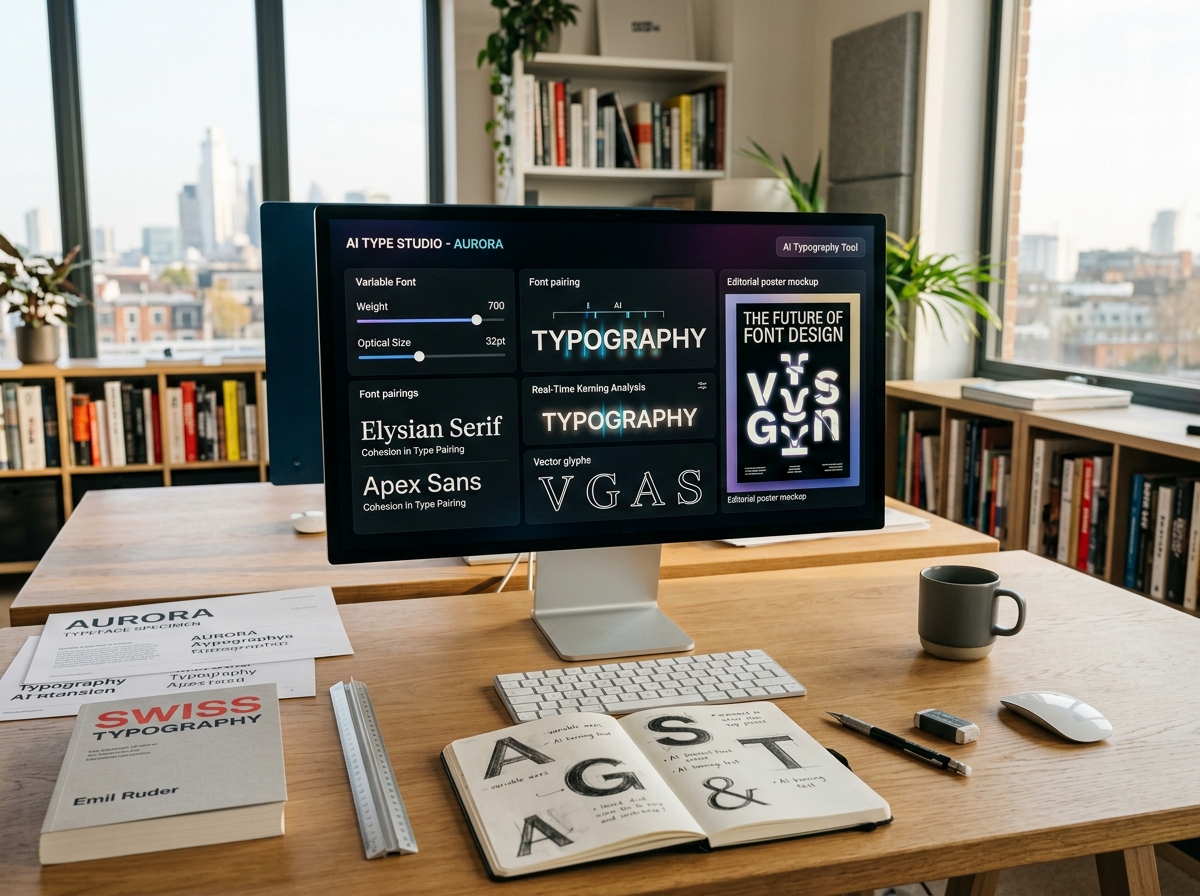
- Variable Font Support: Modern tools let you explore variable fonts that include multiple axes like weight, width, and optical size. You can drag a slider to see the typeface morph from thin to black in real time, perfect for responsive web design where you need fine-tuned adjustments at different breakpoints.
- Accessibility & Contrast Check: Free versions include built-in WCAG contrast analysis, ensuring that your text remains legible on different backgrounds. The AI flags too-light combinations and suggests darker shades, saving you from a common accessibility pitfall in web design.
- Instant Rendering on Mockups: Many tools let you paste your text onto realistic templates—t-shirts, business cards, website headers—and see the font in action. This contextual preview helps you decide whether a typeface actually works in the environment where it will be used, not just on a blank canvas.
- Font Identification: A few free tools use image recognition to identify any typeface from a photo or screenshot. Upload an image of a sign or a logo, and the AI returns the closest matching font (or suggestions) with a direct link to download a free alternative.
Who Should Use Free Typography & Fonts AI Tools?
These tools cater to a wide audience: graphic designers, web developers, content marketers, and even non-designers who want to make their slides and posts look polished. Freelancers working with small clients gain a huge advantage by offering customized font selections without purchasing multiple commercial licenses. For example, a freelance brand designer can use Prototypo to generate a unique display font for each client’s logo, then export a limited set of glyphs for the initial presentation—while charging a premium for the "custom" feel. Similarly, a front-end developer can use Fontjoy to choose web fonts for a theme, then quickly prototype the layout in CodePen to ensure proper rendering across browsers.
For business owners, the free versions are a low-risk way to test whether a custom typeface aligns with their brand voice. A bakery owner might input the word "Artisan" into Deepfont and receive a rough, hand-drawn style that evokes rustic charm—then decide to commission a professional from that direction. Marketing teams can also use these tools to generate multiple options for ad headlines or YouTube thumbnail text, dramatically shortening the decision-making cycle. In educational settings, teachers can introduce students to the principles of typography by allowing them to experiment with AI-generated fonts, helping them understand how letterform shapes influence tone and readability.
That said, there comes a point when upgrading to a paid plan makes sense. If you are launching a full-scale website or a print campaign where consistency across thousands of assets is critical, the watermark and low-resolution exports of free versions simply won’t cut it. Similarly, if you need to legally sell a custom font you’ve generated—for resale as a digital product—most free licenses prohibit commercial redistribution. Upgrading gives you full ownership, unlimited exports, and priority rendering speed. If you rely on a specific tool daily, the annual cost (typically $10–$30 per month) is a trivial expense compared to the time you’ll save. But for one-off projects, learning, or rapid experimentation, the free tier remains a treasure trove. Start with the tools listed on this page, push their free limits to the max, and only then decide if your workflow truly demands a premium plan.
Best Free AI Typography & Fonts Tools & Software
Explore our curated selection of verified free typography & fonts solutions, offering generous free plans, freemium features, or zero-cost access.