
Free AI Vector & SVG Creation
The most advanced and reliable free AI-powered tools for vector & svg creation. Save time and budget with these vetted solutions.
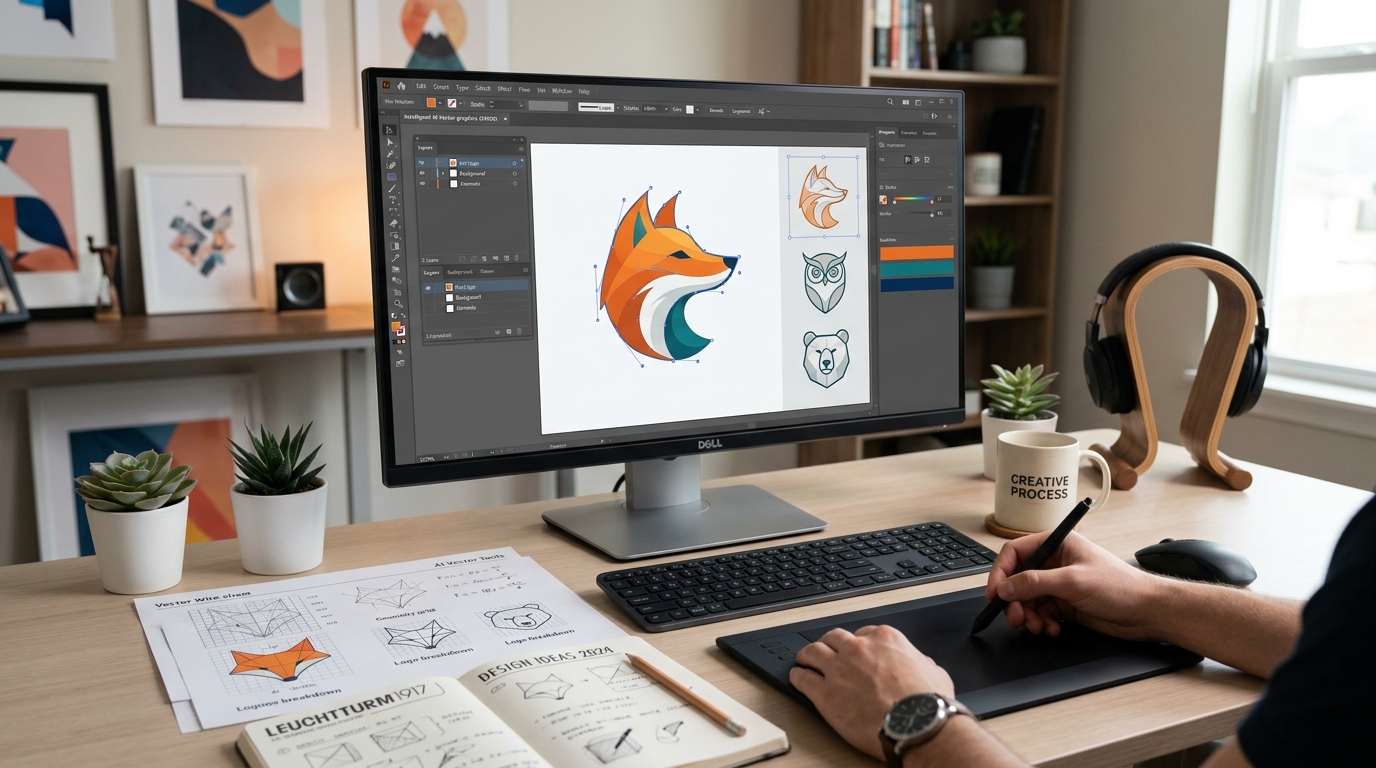
What Are the Best Free Vector & SVG Creation AI Tools in 2026?
Vector and SVG creation AI tools have revolutionised how designers, developers, and content creators produce scalable graphics without the steep learning curve of traditional vector software like Adobe Illustrator. These AI-powered platforms let you generate clean, resolution‑independent illustrations, icons, logos, and data visualisations by simply describing what you need in natural language. The core value lies in speed and accessibility: tasks that once took hours of manual path editing can now be completed in seconds, making vector art approachable for non‑designers while boosting the workflow of seasoned professionals.
By 2026, the best free vector AI tools have matured to the point where they can produce production‑ready SVG files suitable for web design, presentations, social media graphics, and even small‑scale print projects. They understand complex prompts like “a minimalist line‑art owl holding a coffee cup, warm colour palette” and generate layered, editable vector files that scale infinitely. These tools are particularly important for startups, freelancers, and educators who need high‑quality visual assets but cannot afford expensive subscription stacks or the time investment of learning professional suites.
Among the top contenders, Recraft offers a generous free tier that lets you create custom SVG icons, illustrations, and logos with full colour control and export without watermarks – a rarity among free tools. SVG.io provides a simple prompt‑to‑SVG interface that works directly in your browser, while Vectezy combines AI generation with a massive library of free vector assets, making it easy to remix and customise existing designs. All three maintain free tiers that are genuinely useful for personal and commercial work, though they come with some limitations we’ll explore below.
What Can You Do for Free with Vector & SVG Creation Tools?
Even at no cost, today’s AI vector tools let you accomplish a surprising range of tasks. You can generate original icons for mobile apps and websites, turning a vague idea like “a weather icon for partly cloudy‑with‑lightning” into a clean SVG in under ten seconds. Many free tiers support up to 50–100 generations per month, which is enough for a small branding project or a set of social media templates. You can also produce custom illustrations for blog posts, e‑books, and pitch decks without hiring a designer – just type “a modern line‑art illustration of a remote team collaborating” and download a layered SVG that you can recolor or rearrange.
However, free versions have notable constraints. Watermarks are common: some tools overlay a small logo or a subtle pattern on generated vectors unless you upgrade. Others cap the resolution or limit export formats to SVG only (often without CSS embedding). Speed is another trade‑off – free users may queue behind paying subscribers, causing longer wait times during peak hours. Model choice can be restricted; for example, only one style preset might be available, preventing you from accessing “flat design”, “isometric”, or “hand‑drawn” variants. Some platforms also limit your ability to edit vectors after generation, pushing you toward simpler outputs that cannot be modified later.
Despite these limitations, free tools are perfectly adequate for many real‑world scenarios. If you need a handful of unique icons for a personal project, an MVP landing page, or a classroom presentation, the free tier will likely suffice. Students and hobbyists can experiment endlessly without financial risk, building a portfolio of AI‑assisted works. Even freelancers can use free tools to rapidly prototype client ideas before committing to a paid subscription for final production. The key is to identify your batch size, desired quality, and editing needs – if you need fewer than 100 vectors per month and can tolerate slight branding, free tools remain excellent.
Key Features of Free Vector & SVG Creation Tools
- Natural Language Prompting: Describe your vector in plain English, and the AI interprets style, colour palette, composition, and complexity. State‑of‑the‑art models in 2026 can handle multi‑part requests like “a geometric fox with triangular ears, autumn colours, minimal shading” and produce cohesive results on first try.
- Editable SVG Export: Free tools output pure, valid SVG code that you can open in any vector editor (Figma, Inkscape, Illustrator) and tweak paths, colours, or layers. Some even include grouped layers for easy rearrangement, giving you full control after generation.
- Style Presets & Themes: Most platforms offer a curated set of artistic styles (flat, isometric, hand‑drawn, pixel art, etc.) that you can apply to your prompts. Free tiers typically grant access to 3‑5 core styles, enough for diverse projects without overwhelming choices.
- Colour Palette Control: Many free tools let you define a primary and secondary colour palette, either by hex code or category (e.g., “pastel”, “vibrant”, “monochrome”). This ensures brand consistency even on no‑cost plans.
- Batch Generation & Templates: Generate multiple vector variations in one go – ideal for A/B testing icon sets or exploring different artistic directions. Free users often get 2‑4 simultaneous outputs per batch, saving time during brainstorming.
- AI‑Powered Upscaling & Cleaning: Some tools include an “enhance” feature that smooths jagged lines, removes stray anchor points, and optimises SVG output size – all within the free tier. This ensures professional‑grade path precision without manual adjustment.
Who Should Use Free Vector & SVG Creation AI Tools?
These tools are tailor‑made for anyone who needs high‑quality vector graphics but has limited budget, time, or design experience. Small business owners, for instance, can generate custom logos, icons, and promotional graphics without hiring a designer or learning complex software. Freelance web developers frequently use free SVG generators to produce UI icons, illustrations, and data visualisations for client dashboards – often within the same sprint cycle. Content creators on YouTube or social media can quickly craft thumbnail overlays, channel art, and infographics that stand out while keeping overhead minimal.
Educators and students also form a major user base. Teachers create visual aids, worksheets, and classroom posters using clean SVG files that zoom perfectly on interactive whiteboards. Students incorporate AI‑generated vectors into projects, presentations, and portfolios, learning fundamental design principles by iterating on AI outputs. Non‑profit organisations with lean operations rely on free vector tools to produce event materials and annual reports, saving precious donation money for mission‑critical activities.
When should you consider moving to a paid plan? If you generate more than 200 vectors per month, need advanced collaboration (team workspaces), require commercial‑use rights without attribution, or rely on private style models and API access for automation, a paid subscription quickly justifies its cost. Many tools offer a “pro” tier for around $15‑30/month that removes watermarks, raises generation limits, and unlocks exclusive styles. For the vast majority of occasional users, however, the free tier delivers remarkable value – especially when tasked with a one‑off project like a website redesign, a wedding invitation, or a school science fair display.
Best Free AI Vector & SVG Creation Tools & Software
Explore our curated selection of verified free vector & svg creation solutions, offering generous free plans, freemium features, or zero-cost access.