
Free AI Animation Generator
The most advanced and reliable free AI-powered tools for animation generator. Save time and budget with these vetted solutions.
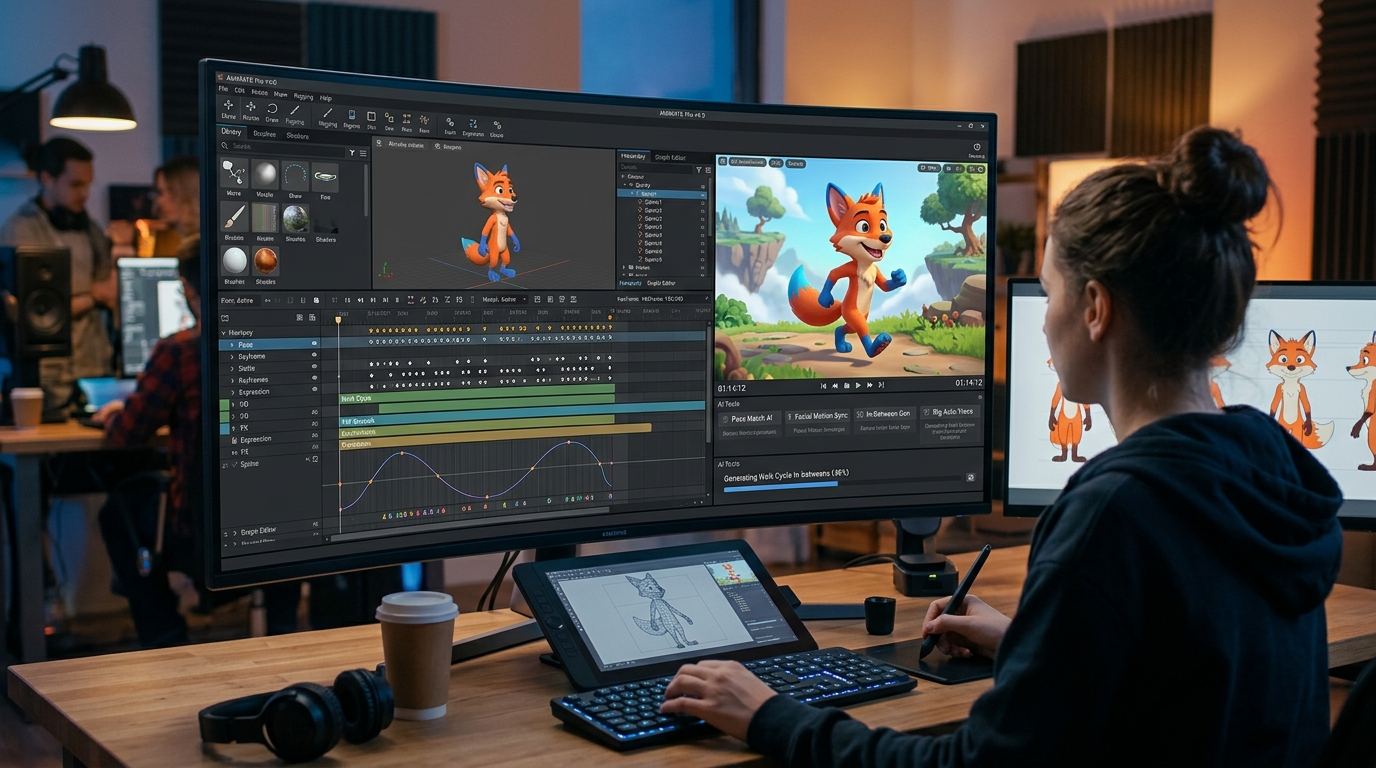
What Makes the Best Free AI Animation Generator for Beginners in 2026?
A free AI animation generator is a cloud-based or downloadable tool that leverages artificial intelligence to create animated content—ranging from simple character movements to full explainer videos—without requiring traditional animation skills or expensive software licenses. These platforms typically use text prompts, pre-built templates, or motion capture data to automate the animation process, making them accessible to anyone with a story to tell. For free users, the core value lies in rapid prototyping and low-risk experimentation: you can test different styles, generate short clips, and validate ideas before committing time or money. In 2026, the landscape has matured significantly, with free tiers offering surprisingly robust features that were once reserved for premium subscriptions.
The importance of free AI animation generators has skyrocketed as video content dominates social media, e‑learning, and marketing. Small businesses, solo creators, and educators often need quick, engaging visuals but cannot justify the cost of professional animation suites like Adobe After Effects or Toon Boom. Free AI tools fill this gap by providing drag‑and‑drop interfaces, automated lip‑syncing, and real‑time rendering powered by neural networks. Whether you’re producing a 15‑second Instagram Reel, a product demo for your startup, or an explainer for a classroom, these tools let you produce polished results in minutes. The best free options in 2026 also integrate with other platforms, allowing you to export directly to YouTube, TikTok, or your website.
Among the most popular free AI animation generators, three stand out for their generous free tiers and ease of use. Animaker offers a free plan that includes up to 5 exports per month with a watermark, access to 100+ templates, and basic character animation. It is ideal for beginners who want to create whiteboard or 2D animated videos without coding. Pika Labs provides a daily credit system (roughly 10‑15 free generations per day) for text‑to‑animation and style transfer, but outputs are limited to 720p resolution and include a small watermark. RunwayML grants free users 5 credits per month for its Gen‑2 video model, enabling realistic motion synthesis and green‑screen effects; however, exports are capped at 4 seconds and watermarked. Each tool has distinct strengths—Animaker for structured storytelling, Pika for experimental visuals, Runway for cinematic clips—so your choice depends on your project type.
What Can You Do for Free with Free AI Animation Generator Tools?
With a free AI animation generator, you can accomplish a wide range of tasks that previously required hours of manual keyframing. For instance, you can create short explainer videos by typing a script and letting the AI generate corresponding character animations and voiceovers. Many tools also support simple motion graphics—like animated logos, lower thirds, or transitions—perfect for social media intros. Additionally, you can experiment with text‑to‑animation features: describe a scene (“a cat dancing under a rainbow”) and receive a 5‑10 second clip that you can refine with color palettes and camera angles. Some platforms even offer basic lip‑syncing for dialogue, allowing you to produce talking‑head animations for YouTube Shorts or TikTok.
However, free versions come with notable limitations that you must accept or work around. The most common restrictions are watermarks—a small logo or text overlay that brands the video as generated by the tool. Export resolutions are often capped at 720p or even 480p, which may look pixelated on larger screens. Monthly or daily generation quotas (e.g., 5 exports or 15 credits per day) force you to plan your projects carefully. Template libraries are also restricted: free users see only a fraction of the premium templates, and advanced features like custom rigging, multi‑layer compositing, or commercial licenses are locked behind paywalls. To mitigate these, you can combine multiple free tools—use Animaker for storyboarding, then Pika for stylistic polish—or simply accept the watermark for internal testing and non‑commercial use.
Despite these constraints, there are many real‑world scenarios where the free version is more than sufficient. A teacher preparing a 30‑second animated explanation of a science concept can easily stay within free quotas and ignore the watermark if the video is shown only in class. A social media manager testing different animation styles for a client’s brand can use free tools to A/B test concepts before proposing a paid subscription. Hobbyists creating personal birthday greetings or fan animations rarely need 4K resolution or commercial rights. In short, if your goal is learning, prototyping, or low‑stakes content, free AI animation generators deliver exceptional value at zero cost.
Key Features of Free AI Animation Generator Tools
- AI Text‑to‑Animation: Convert written descriptions directly into animated scenes. This feature uses large language models combined with generative video networks to interpret prompts and produce coherent motion. Free plans typically limit scene length to 5–10 seconds and offer fewer style presets, but the core capability remains powerful for rapid ideation.
- Pre‑Built Templates & Characters: A library of ready‑to‑use templates for common animation types (explainers, slideshows, social posts) and customizable characters. Free users get access to 50–100 templates, often with a watermark. Characters may have limited outfits or gestures, but you can still mix and match to create unique visuals.
- Auto Lip‑Sync & Voiceover: Upload an audio file or type a script, and the AI synchronizes character mouth movements with the speech. Free tiers usually support one voice style and may require manual adjustment for longer dialogues. This feature alone saves hours compared to traditional frame‑by‑frame animation.
- Motion Capture & Physics Simulation: Some tools let you animate using your webcam or a pre‑recorded video, mapping human movements onto a 3D character. Free versions often limit capture duration to 30 seconds and reduce tracking accuracy, but the technology is impressive for creating natural gestures without a mocap suit.
- Export Options & Integrations: Free plans typically export in MP4 or GIF at 720p max, with a watermark. Direct sharing to social platforms (YouTube, TikTok) is common, but advanced codec settings or alpha channels are reserved for paid tiers. Integration with stock asset libraries is also limited, though you can upload your own images.
- Collaboration & Cloud Storage: Many free AI animation generators offer cloud‑based projects that you can share with team members for feedback. Free tiers limit the number of collaborators (often 1–2) and storage space (e.g., 1 GB). This is sufficient for solo creators but becomes restrictive for larger teams.
Who Should Use Free AI Animation Generator Tools?
Free AI animation generators are designed for a broad audience, but they are especially valuable for content creators, small business owners, educators, and hobbyists who need animated videos without a big budget. A freelance social media manager, for example, can use Animaker’s free plan to produce weekly Instagram Reels for a client, as long as the watermark is acceptable for the client’s brand. A high school teacher can create animated science experiments for remote learning using Pika Labs’ daily credits, avoiding the need for expensive software. Even a startup founder can quickly mock up a product explainer video to pitch to investors, using RunwayML’s free credits to generate a proof‑of‑concept.
The tools also serve specific use cases across different sectors. In e‑commerce, you can animate product images with subtle motion (e.g., a rotating shoe) to increase conversion rates on landing pages. In education, you can turn static diagrams into animated flowcharts that improve student comprehension. For personal projects, you can animate family photos or create custom birthday greetings without learning complex software. The key is to match the tool’s free capabilities to your output requirements: if you need 4K resolution, unlimited exports, or a watermark‑free video for commercial use, then a free plan will not suffice. But for testing, internal communication, or low‑stakes public content, free AI animation generators are a game‑changer.
When should you consider upgrading to a paid plan? The moment your animations directly generate revenue or represent your brand publicly. If you are publishing videos on a company website, selling courses that include animated content, or running ads on social media, the watermark and low resolution can harm your credibility. Paid plans typically remove watermarks, unlock 4K exports, increase generation quotas, and provide commercial licenses. They also offer advanced features like custom character rigging, multi‑track audio, and priority rendering. As a rule of thumb, if you find yourself hitting free limits every week and the quality matters for your audience, it is time to invest in a paid subscription. Until then, the free tier is an excellent sandbox to learn, experiment, and create.
Best Free AI Animation Generator Tools & Software
Explore our curated selection of verified free animation generator solutions, offering generous free plans, freemium features, or zero-cost access.