
Free AI Avatar Video Generator
The most advanced and reliable free AI-powered tools for avatar video generator. Save time and budget with these vetted solutions.
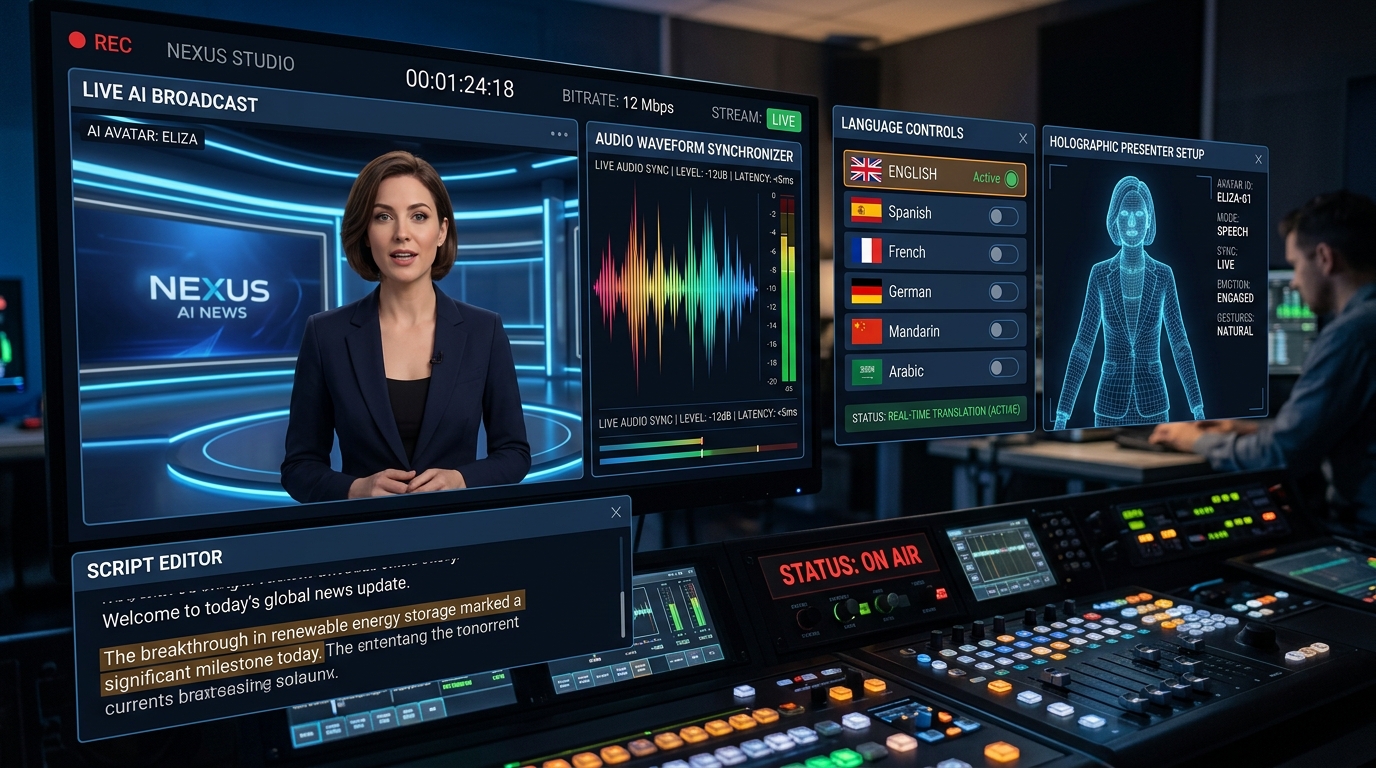
What Is a Free AI Avatar Video Generator and How Does It Work?
A free AI avatar video generator is a web-based or cloud-native tool that transforms text scripts, still images, or simple audio inputs into professional-looking videos featuring a digital human presenter. Unlike traditional video production, which requires cameras, studios, talent, and expensive editing suites, these platforms synthesize a realistic or stylized human face and voice directly from your text. The core value proposition is speed and accessibility: you can create a polished explainer video, product demo, or training module in minutes, not weeks, and at zero monetary cost if you stay within the free tier's limits.
The underlying technology relies on a combination of natural language processing (NLP) to parse your script, text-to-speech (TTS) engines to generate lifelike voiceovers, and generative adversarial networks (GANs) or neural radiance fields to animate the avatar's lip movements, facial expressions, and head gestures in perfect sync with the audio. In 2026, the best free tools have become remarkably sophisticated, offering dozens of languages, multiple avatar styles, and even the ability to clone your own face for a premium fee. For creators, marketers, educators, and small business owners, this removes the single biggest barrier to video content: the fear of being on camera or the cost of hiring a professional voice actor.
When you search for a "free AI avatar video generator," you will likely encounter platforms like Synthesia, which offers a limited free plan with a handful of avatars and a watermark, and HeyGen, which provides a generous free tier with a few minutes of video generation per month. Another notable option is D-ID, known for its talking-head photos and API access. These free versions typically allow you to test the core workflow—script input, avatar selection, and video export—without committing to a subscription, making them ideal for beginners and for validating a use case before scaling up.
What Can You Do for Free with Free AI Avatar Video Generator Tools?
The free tiers of these tools are surprisingly powerful if you know how to leverage them. You can create short promotional clips for social media, such as a 30-second Instagram Reel or TikTok video where an AI presenter announces a flash sale or welcomes new subscribers. For educators, free avatars are perfect for generating micro-lessons or explaining a single concept in under two minutes—think of a chemistry teacher explaining the periodic table or a language tutor demonstrating correct pronunciation. You can also produce personalized customer onboarding videos, internal team announcements, or even a quick "thank you" message to a client, all without spending a cent on production.
However, the free versions come with deliberate limitations designed to push you toward a paid plan. The most common constraints are: a visible watermark overlaid on your exported video, a strict cap on the number of video minutes you can generate per month (often between 1 and 5 minutes), a limited selection of avatars (sometimes only 2 or 3 basic ones), and reduced video resolution, typically capped at 720p instead of 1080p or 4K. Additionally, free tiers often restrict access to premium features like custom avatars, brand kits, or advanced editing tools such as green screen removal and multi-scene templates. You may also experience slower rendering times, as your videos are queued behind paying customers.
Despite these restrictions, the free tier is more than sufficient for many real-world scenarios. A freelance consultant can create a polished "About Me" video for their portfolio using a free avatar, eliminating the awkwardness of recording themselves. A non-profit organization can generate a heartfelt donation appeal in under two minutes, using the saved budget for other causes. A student can create a narrated presentation for a class project, complete with a professional-looking presenter, without needing access to a studio. If you are just experimenting with AI video generation to see if it fits your workflow, the free tier is an excellent sandbox—just be prepared to either accept the watermark or invest in a paid plan once you need to produce content at scale or with a more polished finish.
Key Features of Free AI Avatar Video Generator Tools
- Text-to-Speech with Emotion and Pacing Control: The best free tools employ neural TTS engines that don't just read your script; they inject natural pauses, inflections, and emotional tone. For example, you can add a cheerful tone for a product launch or a somber tone for a public service announcement, all by adjusting a simple slider or adding punctuation cues. This feature is critical for keeping your audience engaged, as robotic delivery is the fastest way to lose viewer attention.
- Customizable Avatar Appearance: Even on free plans, you can usually change the avatar's clothing, hair color, background, and sometimes even facial features. This allows you to align the presenter with your brand identity—say, a blue blazer for a corporate finance video or a casual hoodie for a gaming channel. Some tools also offer diverse ethnicities and age ranges, enabling you to represent your audience more accurately.
- Multi-Scene Storyboard Editing: A single video is rarely a single continuous shot. Free tools typically include a timeline-based editor where you can add multiple scenes, each with its own script, background, and avatar pose. This is essential for creating dynamic content like a step-by-step tutorial or a 'before and after' comparison. You can also add transitions between scenes, such as fades or slides, to give your video a cohesive flow.
- Multilingual Voiceover Support: The majority of free AI avatar generators support 20 to 40 languages, including Spanish, French, Mandarin, Arabic, and Hindi. This is a game-changer for global teams or creators targeting international audiences. You can generate a single script and have the avatar speak it in multiple languages, each with accurate pronunciation and localized accents, without needing to hire translators or voice actors.
- Direct Export to Social Platforms: After rendering, most free tools allow you to export your video in MP4 format, but some go a step further by offering direct publishing to YouTube, TikTok, or LinkedIn. This integration saves you a download-upload cycle and is particularly useful for social media managers who need to push content quickly. Just be aware that the free tier may only support standard resolution exports, which is fine for mobile-first platforms.
- Built-in Media Library: You don't need to source your own background images or music. Free tiers typically include a modest library of royalty-free stock photos, video loops, and background tracks that you can drop into your project. This is a huge time-saver and ensures your video doesn't get flagged for copyright infringement, which is a common pitfall for new creators.
Who Should Use Free AI Avatar Video Generator AI Tools?
The primary audience for these tools is the solo creator or small team that needs video content but lacks the resources for traditional production. This includes YouTubers who want a consistent presenter without revealing their identity, solopreneurs who need to produce weekly product updates, and online course creators who want to add a human touch to their pre-recorded slides. Additionally, corporate communications teams at small-to-medium enterprises (SMEs) use free avatars to create internal training videos, HR announcements, and compliance briefings, freeing up their limited video production staff for more complex projects.
For marketers, the free tier is a powerful A/B testing tool. You can quickly generate two versions of a video ad—one with a female avatar and one with a male avatar—and run them on social media to see which resonates better with your audience. Similarly, e-commerce store owners can create short product highlight videos for their top five bestsellers, all within the monthly free quota. Non-profits and community organizers can produce impactful storytelling videos for fundraising campaigns without spending donor money on production costs. The key is to focus on short, high-impact videos that fit within the time limit.
However, there comes a point when the free tier's limitations become a bottleneck. If you find yourself consistently hitting the monthly minute cap, or if the watermark is undermining your brand's professionalism, it's time to consider a paid plan. Upgrading typically costs between $20 and $50 per month and unlocks unlimited video minutes, higher resolution exports, premium avatars, and advanced editing features like custom fonts and interactive elements. For businesses that rely heavily on video content, this investment pays for itself quickly compared to the cost of hiring a video editor or renting a studio. Before upgrading, however, make sure you have a clear content calendar to justify the recurring expense.
Best Free AI Avatar Video Generator Tools & Software
Explore our curated selection of verified free avatar video generator solutions, offering generous free plans, freemium features, or zero-cost access.