
Free AI Reel Generator
The most advanced and reliable free AI-powered tools for reel generator. Save time and budget with these vetted solutions.
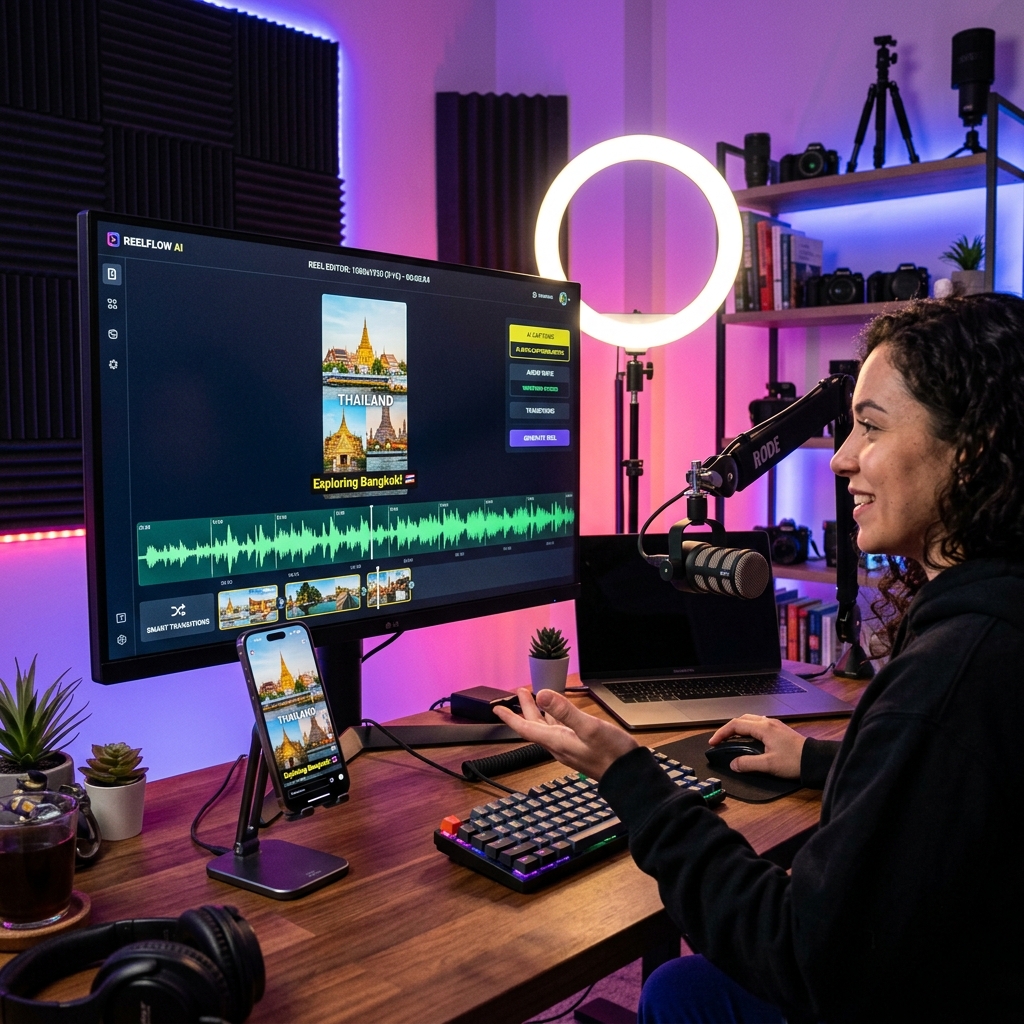
What Is the Best Free AI Reel Generator in 2026?
A Free AI Reel Generator is a specialized software tool that uses artificial intelligence to automatically create short-form vertical videos, commonly known as reels or shorts, for platforms like Instagram Reels, TikTok, and YouTube Shorts. Unlike traditional video editing software that requires manual timeline work, these generators automate the entire process—from script generation and voiceover synthesis to video assembly and caption placement. The core value lies in democratizing video content creation, enabling anyone to produce professional-looking reels in minutes without any prior editing experience. These tools are particularly transformative for small business owners, social media managers, and independent creators who need to maintain a consistent posting schedule but lack the time or budget for a dedicated video production team.
By 2026, the landscape of AI reel generators has matured significantly. The free tiers, once laughably restrictive, now offer surprisingly robust capabilities. Think of them as a "starter studio" in the cloud. You can expect to generate reels ranging from 15 to 60 seconds, often with customizable templates optimized for viral trends. A typical use case involves a boutique fitness studio owner uploading a single photo of a new class approach—the AI can generate a script, create a moving background, add stock footage of people exercising, and layer on trending music, all while syncing to a human-sounding AI voice. This would take a professional editor 3-4 hours but is completed in under 5 minutes with a free AI generator. The importance of these tools has skyrocketed as the algorithm on platforms like Instagram and TikTok increasingly prioritizes native video content over static images.
Among the dozens of tools available, two stand out for their generous free tiers. InVideo offers a powerful free plan that includes access to over 5,000 pre-built templates specifically designed for reels and shorts. Its AI can convert a blog post URL into a fully produced video reel, complete with scene transitions and background music. Pictory is another excellent option, focusing on repurposing long-form content (like YouTube videos or webinars) into multiple short reels. Its free plan allows for up to three 10-minute video projects per month, which is perfect for a content repurposing workflow. For those looking to create entirely from scratch with advanced AI voice cloning, Synthesia offers a limited but functional free demo that creates AI avatar-based reels, ideal for corporate training snippets or product announcements.
What Can You Do for Free with Free AI Reel Generator Tools?
The spectrum of free capabilities is broader than many assume. You can generate a full 30-second reel from a simple text prompt. For example, typing "Create a 30-second reel about sustainable gardening tips for beginners" will yield a complete video with AI-generated voiceover, stock footage of gardens, text overlays for each tip, and background music that adjusts to the video's mood. Most free plans allow you to upload your own media (photos and short video clips) and enhance them with AI features like background removal, motion stabilization, and object tracking. You can also leverage built-in text-to-speech engines that now sound remarkably human, with proper intonation, pauses, and even a hint of personality in standard voices.
However, the free versions come with tangible limitations. The most common is the watermark. InVideo free exports include a small "InVideo" logo in the bottom-right corner. While this is acceptable for organic social media posts, it can be problematic for branded content or client work. Quotas are another major restriction—free plans typically cap monthly exports to 5-15 minutes of video. The resolution is often locked to 720p or 1080p, but the latter might be limited to one or two exports per month. Template access is also curated; you'll see a "Pro" badge on the most premium templates, which you cannot use without upgrading. Speed is the final compromise—during peak hours, free users may experience rendering queues of 10-20 minutes, while paid users get priority processing. A clever workaround is to prepare your scripts and media in advance during off-peak hours (early morning or late night), minimizing the wait time.
There are realistic scenarios where the free version is perfectly adequate. A local bookstore owner wanting to post three reels per week about new arrivals can use InVideo's free plan and simply accept the watermark as part of their "handmade" brand aesthetic. A non-profit organization running a one-week awareness campaign can create 5-7 impactful reels using Pictory's free tier, focusing on repurposing existing footage from past events. An individual creator building a personal brand from scratch can easily generate 30-60 seconds of daily content using AI voiceovers and stock footage, hitting consistency goals without spending a dime. The key is to work within the quotas and treat the watermark as a temporary requirement until you can demonstrate enough ROI to justify a paid plan.
Key Features of Free AI Reel Generator Tools
- AI Script & Voiceover Generator: This core feature uses large language models to generate engaging, platform-specific scripts from a keyword or brief description. It then converts that script into a natural-sounding voiceover using advanced text-to-speech engines. Tools like Pictory allow you to choose from dozens of voices in multiple languages. The free version typically offers 10-15 standard voices without the premium "studio quality" or "emotional range" options that require a paid upgrade. This works perfectly for explainer videos, tips, and testimonials.
- Intelligent Scene Composition & Stock Media Library: The AI analyzes your script and auto-matches each sentence with relevant stock footage, animations, B-roll, and images from a built-in library of millions of assets. InVideo's free plan provides access to a standard stock library with a good variety, though the "premium" library (with 4K clips and trending content) is locked. The AI also handles transitions, pacing, and timing to match the flow of the voiceover. This feature eliminates the need to manually search for visuals, cutting production time by roughly 80%.
- Customizable Templates Optimized for Reels & Shorts: Free plans include a curated selection of 100-200 professionally designed templates tailored for vertical video formats. These templates are pre-equipped with aspect ratios (9:16), typography, color schemes, and animation timings that work best for mobile viewing. You can customize text, swap out images, and adjust colors. The limitation is that you cannot access the "Pro" or "Trending" templates which often feature the latest viral video effects or more complex animations. Nonetheless, the free templates cover common use cases like promos, tutorials, quotes, and announcements.
- Auto-Captioning & Dynamic Text Overlay: The AI automatically generates accurate closed captions for your spoken words and places them on the screen in a visually appealing format. This is critical because 80% of mobile users watch social videos with sound off. Free versions usually offer standard caption styling (white text with black background) and allow basic font and size changes. Advanced features like animated captions that pop up word-by-word or multi-language subtitles are typically paid add-ons. This feature alone can increase viewer retention by up to 40%.
- Direct Social Media Sharing & Scheduling: After generating the reel, you can directly export and upload to Instagram, TikTok, YouTube Shorts, or Facebook. Some tools, like InVideo's free plan, include a basic scheduling function to queue your posts for a week ahead. This saves you the hassle of downloading, re-uploading, and manually setting timers. The limitation here is that you cannot manage multiple social accounts from the free tier, nor do you get detailed analytics on post-performance. This feature is a huge time-saver for individuals managing 1-2 social profiles.
- AI-Powered Content Repurposing: This feature allows you to paste a URL to a blog post, podcast episode, or long YouTube video, and the AI will extract the most engaging segments to form a short reel. Pictory excels at this, offering free users 3 conversions per month. The AI identifies key quotes and timestamps them. The limitation is that the free version cannot handle videos longer than 30 minutes nor provide automatic chapter markers. It's an incredible tool for turning a weekly 20-minute podcast into 3-4 bonus social media clips.
Who Should Use Free AI Reel Generator AI Tools?
These free tools are a perfect fit for a broad range of users, especially those at the beginning of their content creation journey. The primary audience includes freelance social media managers who manage 3-5 small accounts; they can quickly produce daily content for each client without needing a subscription for every single tool. Small business owners (boutiques, cafes, dentists, real estate agents) who need authentic, regular video content to stay relevant on social algorithms but lack internal expertise. Individual creators—whether YouTubers, podcasters, or TikTokers—who need supplemental short-form content to drive traffic to their main platforms. Non-profit and educational organizations that require cost-effective awareness campaigns can also benefit immensely from zero-cost video generation.
For a freelance content creator managing a local restaurant's Instagram, using InVideo's free plan to generate 3 daily reels showcasing daily specials is a no-brainer. They can upload a photo of the dish, use the AI script generator to describe it, and have a reel ready in 5 minutes. They accept the watermark because it looks like part of the restaurant's casual branding. For a real estate agent, Pictory can repurpose a 15-minute property tour into 3 short reels highlighting the kitchen, the views, and the living room, each optimized for YouTube Shorts. They use the free tier to test which style of reel generates the most inquiries before committing to a subscription. An individual podcaster can turn each weekly episode into 2-3 audiogram-style reels with animated waveforms and captions, posting them across all platforms to boost episode downloads.
However, there comes a point where the free tier becomes a bottleneck. You should consider upgrading when you start generating more than 15 minutes of exported video per month, or when you need watermark-free, high-resolution (2K/4K) output for client-facing portfolio pieces. If you begin managing multiple social accounts and need advanced analytics, team collaboration, and priority rendering to meet tight daily deadlines, a paid plan (usually starting at $20-30/month) is a wise investment. Also, if the standard AI voices start sounding too robotic for your brand's tone, you'll want access to premium voice libraries. The free tools are your "learning lab"—perfect for validation, testing, and building a habit. Once you prove the ROI, you can comfortably graduate to a paid plan that removes friction and scales your output.
Best Free AI Reel Generator Tools & Software
Explore our curated selection of verified free reel generator solutions, offering generous free plans, freemium features, or zero-cost access.