
Free AI UGC Video Generator
The most advanced and reliable free AI-powered tools for ugc video generator. Save time and budget with these vetted solutions.
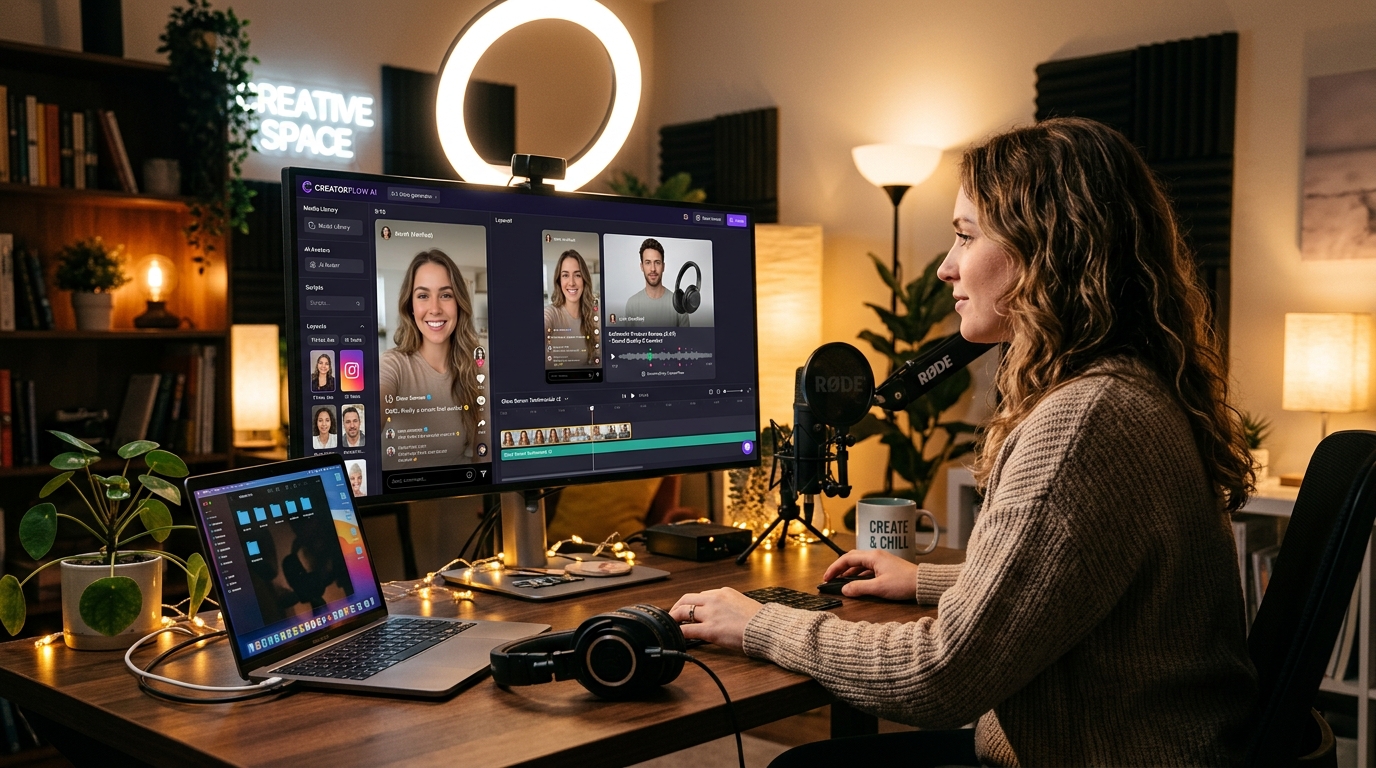
What Are the Best Free AI UGC Video Generator Tools in 2026?
A Free AI UGC Video Generator is a cloud-based platform that uses artificial intelligence to create user-generated content (UGC)-style videos without requiring any professional filming equipment or actors. Instead of recording yourself, you can generate realistic videos featuring AI avatars that speak your script, complete with natural lip-sync, gestures, and background settings. These tools are designed to mimic the authentic, unpolished feel of real customer testimonials, product unboxings, or day-in-the-life clips—content that consistently outperforms polished corporate videos in engagement and trust on social media platforms like TikTok, Instagram Reels, and YouTube Shorts. In 2026, the demand for UGC-style content has exploded, and free AI video generators have become the go‑to solution for budget‑conscious creators and small businesses who want to produce high‑volume, authentic‑looking videos without hiring actors or renting studios.
The core value of these tools lies in their ability to turn a simple text script into a video that feels genuinely user‑generated. You can choose from dozens of diverse AI avatars (varying in age, ethnicity, and style), select a realistic background (from a coffee shop to a living room), and even add subtle imperfections like background noise or camera shake to enhance authenticity. This matters because consumers today are skeptical of over‑produced advertising; they trust raw, real‑life content from people who look like them. By using a free AI UGC video generator, you can test multiple video concepts, iterate quickly, and scale your content production—all without spending a cent on production costs. The best part? Many free plans offer enough features to launch a full‑blown social media campaign, as long as you’re willing to accept a watermark and some usage limits.
Among the top free options, HeyGen stands out with its generous free tier that includes one minute of video per month, access to over 100 AI avatars, and a wide range of templates optimized for UGC‑style content. The free version places a small HeyGen watermark on the bottom corner, but the video quality is crisp and the lip‑sync is remarkably accurate. Another strong contender is Colossyan, which offers three minutes of free video per month, a library of 70+ avatars, and the ability to upload your own background images. Colossyan’s free plan also includes a watermark, but you can remove it by upgrading to the starter plan. For users who need a bit more runtime, Vidnoz provides a free plan with up to five minutes of video per month, though the avatar selection is more limited and the watermark is more prominent. All three tools allow you to export in 1080p resolution, making them perfectly viable for professional social media use.
What Can You Do for Free with Free AI UGC Video Generator Tools?
With a free AI UGC video generator, you can accomplish a surprising number of real‑world tasks. Start by creating short testimonial videos: write a script praising your product, choose an avatar that matches your target audience (e.g., a 30‑year‑old mother for a parenting app), and generate a 30‑second clip that looks like a genuine customer review. These are perfect for embedding in landing pages or sharing on TikTok. You can also produce product demo videos—simulate an unboxing or a quick how‑to using an avatar that explains the features step‑by‑step. Many free plans let you add text overlays, call‑to‑action buttons, and background music, so your video feels complete. Another popular use is creating social media ads for platforms like Instagram Reels or Facebook: a 15‑second “day in the life” clip featuring your product in a natural setting, with the avatar acting as the user. Because the free plans typically limit video length to 1–5 minutes, they’re ideal for short‑form content, which is exactly what performs best on social media.
However, free versions come with notable limitations that you should plan around. The most common restriction is a visible watermark, usually the tool’s logo, placed in the corner of your video. While this doesn’t ruin the content, it can make the video look less authentic for a brand that wants to appear fully organic. To mitigate this, you can position the watermark in a less distracting area (e.g., bottom right) or use a tool that offers a smaller, more subtle watermark. Another limitation is the monthly video quota—with HeyGen you get only one minute per month, so you need to be strategic about which videos you produce. Colossyan’s three minutes allow for more experimentation, but you’ll quickly run out if you’re testing multiple versions. Vidnoz’s five minutes is the most generous, but the avatar library is smaller and the lip‑sync quality is slightly lower. Additionally, free plans often restrict access to premium avatars (e.g., those with full‑body animations or custom clothing), limit the number of scenes you can add, and may not allow you to upload your own voice‑over. These constraints mean you’ll need to reuse templates and scripts wisely to maximize your free minutes.
Despite these limitations, free AI UGC video generators are more than sufficient for several real‑world scenarios. For example, a solopreneur running a small Etsy shop can create a series of 15‑second product showcase videos over the course of a month, rotating between different avatars to simulate multiple customers. A non‑profit organization can produce a heartfelt testimonial from a “beneficiary” avatar to share on social media during a fundraising campaign. A freelance social media manager can test multiple ad creative concepts for a client before presenting the best ones for a paid production. In each case, the free version provides enough quality and quantity to validate the idea and gather initial engagement data. When you see that a particular avatar‑style video gets a 10x higher click‑through rate, you can then invest in a paid plan to scale that approach. The key is to treat the free tier as a testing sandbox—experiment with scripts, avatars, and backgrounds until you find the winning formula, then upgrade when you’re ready to remove the watermark and increase volume.
Key Features of Free AI UGC Video Generator Tools
- Realistic AI Avatars: Free plans provide a curated set of avatars (typically 20–100) that look and move like real people. They can blink, gesture, and lip‑sync with your script, creating a convincing UGC feel. Avatars come in diverse ages, ethnicities, and styles to match your target audience. For example, HeyGen offers avatars in casual clothing and natural poses, while Colossyan includes avatars with expressive facial animations.
- Text‑to‑Speech with Natural Voices: You can input your script and the tool will generate a voiceover using AI voices. Free tiers usually include 10–30 different voices in multiple languages and accents. The voices are remarkably natural, with proper intonation and pacing, which is essential for UGC authenticity. Some tools also allow you to adjust the speaking speed and add pauses.
- Lip‑Sync Accuracy: The AI synchronizes the avatar’s mouth movements with the spoken text, ensuring the video doesn’t feel disjointed. Free versions achieve good lip‑sync for short clips (up to 1–3 minutes) but may show slight mismatches for longer sentences or complex phonemes. This is still far better than traditional talking‑head videos where you have to manually sync audio.
- Customizable Backgrounds and Scenes: Free plans let you choose from a library of pre‑made backgrounds (e.g., office, kitchen, park) or upload your own image. You can also add props like coffee cups or laptops to enhance the UGC feel. Some tools allow multiple scenes in one video, though free tiers often cap the number of scenes (e.g., 2–3 scenes per video).
- Quick Editing and Export: The interface is typically drag‑and‑drop, allowing you to edit text, change avatars, and adjust background in real time. Free plans export in 1080p resolution (some in 720p) and support MP4 format. You can download the video directly to your device or share a link. Watermark is added automatically, but you can often choose its position.
- Template Library for UGC Styles: Free users get access to a subset of templates designed specifically for user‑generated content. Examples include “Customer Review,” “Product Unboxing,” “Day in the Life,” and “Q&A.” These templates come pre‑configured with scene transitions, text overlays, and suggested runtimes, making it easy to produce polished videos in minutes.
Who Should Use Free AI UGC Video Generator AI Tools?
Free AI UGC video generators are ideal for small business owners, solo entrepreneurs, content creators, and marketing professionals who need to produce authentic‑looking videos on a tight budget. If you run an e‑commerce store, you can create customer testimonial videos without having to actually film real customers (which is often awkward and time‑consuming). A freelance social media manager can quickly produce multiple ad variations for A/B testing, saving hours of filming and editing. Educators and coaches can generate explainer videos where an avatar presents a lesson in a friendly, relatable manner. Non‑profits can share impact stories using avatars that represent their beneficiaries, adding a human touch without privacy concerns. Even large enterprises use free tiers for rapid prototyping—testing different scripts and avatar styles before committing to a paid production.
For content creators on platforms like TikTok and Instagram Reels, these tools are a game‑changer. You can maintain a consistent posting schedule of UGC‑style videos without needing to appear on camera yourself. For example, a wellness coach can create a “5‑minute morning routine” video using an avatar that demonstrates stretches—freeing the coach to focus on other tasks. Similarly, a tech reviewer can simulate an unboxing of a new gadget, complete with excited commentary, using an avatar that looks like a typical tech enthusiast. The free plan allows you to produce 1–3 such videos per month, which is enough to build an initial following and test engagement. Once you see which avatar styles and script formats resonate, you can scale up with a paid plan.
When should you consider upgrading to a paid plan? If your marketing strategy relies heavily on high‑volume video output, the monthly minute limits of free tiers (1–5 minutes) will quickly become a bottleneck. Furthermore, if you are running paid ad campaigns on platforms like Meta or TikTok, watermarks can erode trust and decrease conversion rates, making a watermark‑free plan essential. Paid tiers also unlock premium avatars with more natural body language, custom avatar generation (creating an avatar based on your own face and voice), 4K export quality, priority rendering speeds, and commercial usage rights. For businesses spending hundreds or thousands of dollars on ad spend, an entry‑level paid plan ($20–$30/month) pays for itself almost instantly. However, for testing concepts, validating hooks, and learning the ropes of AI‑driven video production, the free tiers offer an invaluable, zero‑risk entry point.
Best Free AI UGC Video Generator Tools & Software
Explore our curated selection of verified free ugc video generator solutions, offering generous free plans, freemium features, or zero-cost access.