
Free AI Video Editor
The most advanced and reliable free AI-powered tools for video editor. Save time and budget with these vetted solutions.
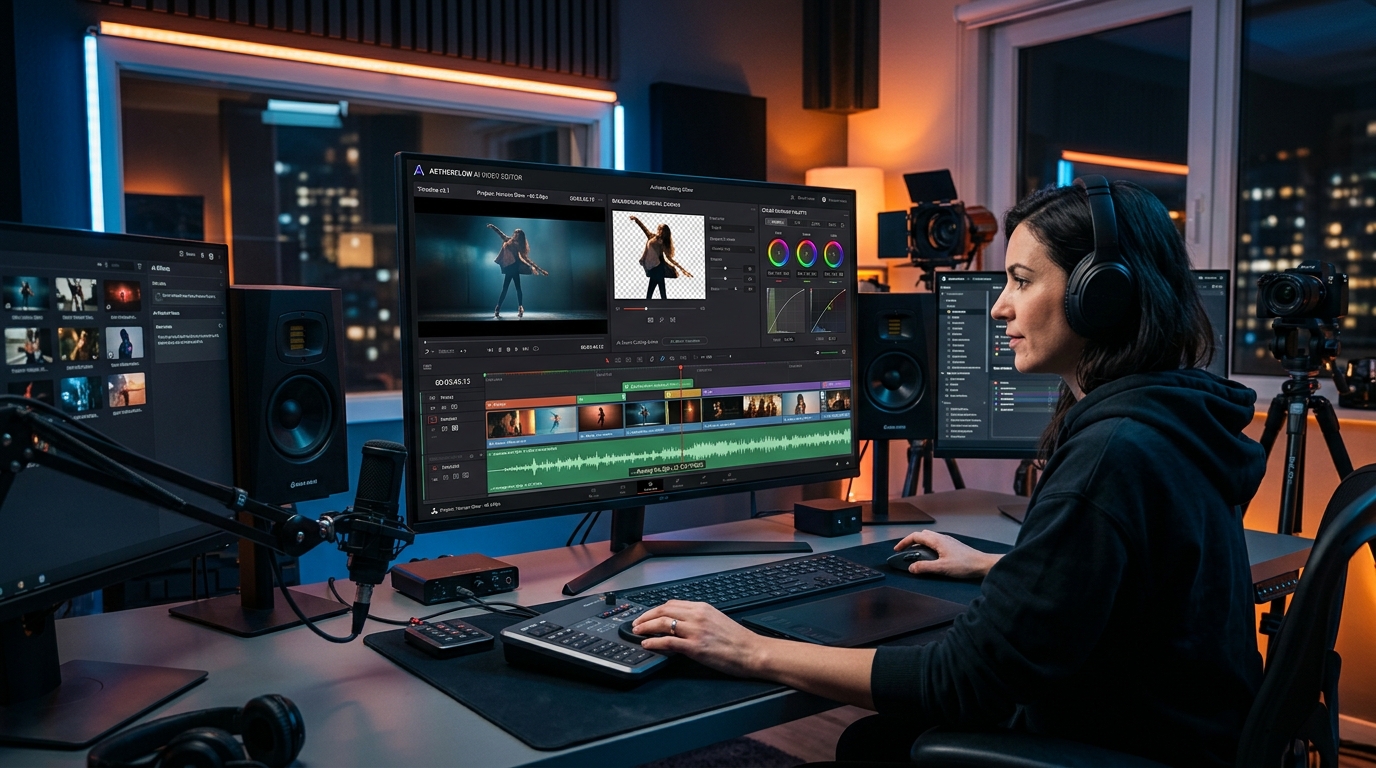
What Are the Best Free AI Video Editor Tools in 2026?
Free AI video editors have transformed content creation by putting professional-grade editing capabilities into everyone’s hands without requiring a subscription. Unlike traditional video editing software that demands expensive licenses and steep learning curves, these tools use artificial intelligence to automate complex tasks like scene detection, transcription, background removal, and even script-to-video generation. Whether you’re a social media manager, a small business owner, or a hobbyist, a free AI video editor lets you produce polished videos that engage audiences and drive results—all while keeping your budget intact.
In 2026, the landscape of free AI video editing is more competitive than ever. Platforms now offer surprisingly robust free tiers that include AI-powered features such as auto-captioning, smart trimming, and one-click color grading. These tools are especially valuable for creators who need to iterate quickly on short-form content for TikTok, Instagram Reels, or YouTube Shorts. The best free options combine ease of use with enough creative control to produce videos that look anything but amateur. They also integrate seamlessly with stock libraries, music catalogs, and collaboration workflows, making them indispensable for teams working remotely.
Among the most popular free AI video editors today are CapCut, Clipchamp, and InVideo. CapCut, developed by ByteDance, offers a comprehensive free plan with powerful AI effects, auto-captions, and a vast template library. Clipchamp, now part of Microsoft, integrates with OneDrive and provides a generous free tier that includes 480p export without watermarks. InVideo’s free plan gives you access to thousands of templates and a basic AI text-to-video feature, though exports are limited to 15 minutes per week and include a small watermark. Each of these tools demonstrates that you can achieve impressive results without spending a dime, as long as you understand the limitations.
What Can You Do for Free with Free AI Video Editor Tools?
A free AI video editor allows you to perform a wide range of editing tasks that previously required expensive software. You can trim, cut, merge clips, add transitions, overlay text, and apply filters—all using intuitive drag-and-drop interfaces. AI enhancements simplify more advanced workflows: for instance, you can automatically remove backgrounds from video footage, generate accurate captions in multiple languages, or use AI-powered scene detection to split a long recording into manageable segments. Many free tools also include pre-built templates for social media, presentations, and marketing videos, so you can produce a finished piece in minutes by simply swapping in your own media.
However, free versions come with notable limitations. The most common restrictions include watermarks on exported videos (InVideo adds a small logo unless you upgrade), reduced export resolution (Clipchamp’s free plan maxes out at 480p, while CapCut allows 1080p but with certain effects limited), and weekly or monthly export quotas (InVideo caps at 15 minutes of video per week). You may also find that advanced AI features—like text-to-speech with premium voices, motion tracking, or 4K export—are locked behind a paywall. Storage space is often limited, and some tools restrict the number of projects you can keep in the cloud. Accepting these trade-offs is part of the free experience, but for many casual creators, they are perfectly manageable.
Real-world scenarios where free AI video editors shine include creating quick product demos for e-commerce, editing vlogs for personal YouTube channels, producing educational explainer videos for students, and crafting social media ads for small businesses. For example, a freelance graphic designer can use CapCut’s auto-caption feature to add subtitles to a portfolio reel, then export at 1080p without any watermark. A nonprofit team can use Clipchamp to assemble a donor thank-you video from raw footage, relying on its built-in music library and simple timeline. Even with limitations, the free tier often provides enough horsepower to get the job done.
Key Features of Free AI Video Editor Tools
- AI Auto-Captioning & Transcription: Automatically generate accurate subtitles in seconds. Tools like CapCut and Clipchamp support multiple languages and allow you to customize font, color, and position. This feature is a game-changer for accessibility and engagement, especially on platforms where silent autoplay is common.
- Background Removal & Green Screen: Remove or replace video backgrounds with a single click using AI. This is ideal for creating professional-looking talking head videos, product showcases, or creative compositing. Free plans often limit output resolution when using this feature, but the quality is surprisingly good.
- AI-Powered Text-to-Video & Script Generation: Some editors, like InVideo, let you paste a script and automatically generate a video with matched stock footage, voiceover, and music. Free tiers may restrict the length of generated videos or require a watermark, but they’re perfect for rapid prototyping.
- Smart Trimming & Scene Detection: AI can analyze your footage and automatically cut out silences, pauses, or repetitive sections. This saves hours of manual editing, especially for long-form content like interviews or lectures. Free plans often limit the length of video you can process in one go.
- Pre-Built Templates & Stock Media Libraries: Jumpstart your project with thousands of customizable templates for social media, ads, presentations, and more. Free accounts usually have access to a subset of templates and limited stock footage, music, and sound effects, but the selection is often enough for most common formats.
- Cloud Collaboration & Sharing: Many free AI video editors allow you to share projects with team members for real-time or asynchronous feedback. Clipchamp integrates with Microsoft 365, while CapCut offers cloud saves across devices. Free plans typically limit the number of collaborators or storage space, but they facilitate basic teamwork without extra cost.
Who Should Use Free AI Video Editor Tools?
Free AI video editors are ideal for individuals and small teams who need to produce a moderate volume of videos without a dedicated budget. Content creators—whether YouTubers, TikTokers, or Instagram influencers—can leverage these tools to maintain a consistent posting schedule while experimenting with different styles. Small business owners and marketers can create promotional videos, testimonials, and product demos that look professional without hiring an agency. Educators and trainers can quickly turn lecture recordings into engaging micro-lessons with captions and animations. Nonprofits and community organizations often rely on free editors to produce awareness campaigns and fundraising appeals.
For example, a freelance social media manager handling multiple client accounts can use CapCut to batch-edit short-form content, applying consistent branding and auto-captions. A high school teacher can use Clipchamp to combine screen recordings and webcam footage for a flipped classroom video, then share it via OneDrive. A startup founder can use InVideo to turn a blog post into a one-minute explainer video for LinkedIn, accepting the watermark in exchange for zero upfront cost. In each case, the free tool provides enough functionality to meet immediate needs without financial commitment.
When should you consider upgrading to a paid plan? If your workflow demands 4K export, unlimited cloud storage, removal of all watermarks, access to premium stock assets, or advanced AI features like voice cloning and motion tracking, the free tier will eventually feel limiting. Also, if you’re producing videos for a brand that requires watermark-free output or you need to collaborate with a large team, a paid subscription (often $10–$30/month) becomes a worthwhile investment. However, for the vast majority of casual and semi-professional users, the free AI video editors available in 2026 are more than capable of delivering high-quality results.
Best Free AI Video Editor Tools & Software
Explore our curated selection of verified free video editor solutions, offering generous free plans, freemium features, or zero-cost access.