
Free AI Video Enhancer
The most advanced and reliable free AI-powered tools for video enhancer. Save time and budget with these vetted solutions.
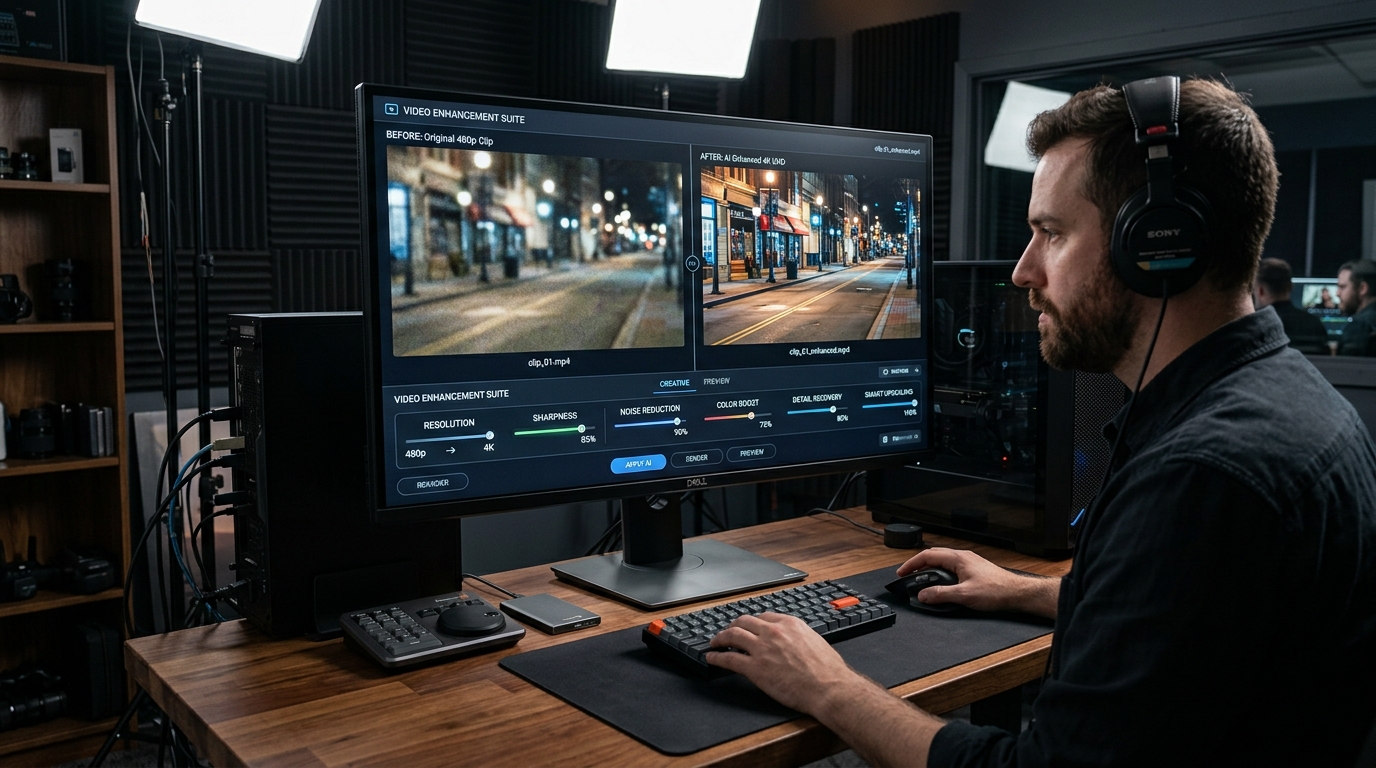
What Are Free AI Video Enhancer Tools and How Can They Improve Your Footage?
Free AI video enhancer tools are software applications that leverage machine learning algorithms to automatically improve the quality of video content without requiring manual editing expertise. They analyze each frame to reduce noise, sharpen details, upscale resolution (e.g., from 720p to 1080p or even 4K), stabilize shaky footage, and correct lighting or color imbalances. Unlike traditional video editors that rely on filters and manual adjustments, these AI-driven tools understand the content of the video—distinguishing faces, objects, and backgrounds—to apply intelligent enhancements that preserve natural textures and avoid artifacts. For content creators, marketers, educators, and hobbyists, these tools offer a fast, accessible way to transform low-quality recordings into polished, professional-looking videos without investing in expensive software or high-end hardware. The core value lies in democratizing video production: anyone with a smartphone or basic camera can now achieve results that previously required a skilled colorist or a dedicated post-production studio.
In 2026, the demand for high-quality video content continues to surge across platforms like YouTube, TikTok, Instagram Reels, and corporate websites. However, many creators shoot in less-than-ideal conditions—low light, crowded backgrounds, or using older cameras with limited resolution. Free AI video enhancer tools fill this gap by offering one-click solutions that dramatically lift production value. For example, a vlogger recording in a dimly lit room can use noise reduction and brightness adjustment to make the footage look as if it were shot with studio lights. A real estate agent filming a property walkthrough can upscale a 1080p drone shot to crisp 4K, enhancing curb appeal. Even archival footage from old camcorders can be cleaned up and stabilized, breathing new life into family memories or historical material. The importance of these tools is amplified by the fact that viewers now expect near-broadcast quality from any video they watch—a grainy, shaky clip is quickly scrolled past. Free AI enhancers lower the barrier to entry, allowing creators to compete without breaking the bank.
Among the best free options available, CapCut stands out as a versatile mobile and desktop editor that includes AI enhancement features like auto-color correction, video stabilization, and upscaling (up to 4K in its free tier). However, exports longer than 10 minutes or at the highest resolution may require a subscription or leave a small watermark. Another strong contender is HitPaw Video Enhancer, which offers a generous free trial that lets you enhance short clips (up to 30 seconds) without watermark, but longer videos or batch processing are locked behind a paywall. For a purely web-based solution, Media.io provides a free AI enhancer that supports up to 100MB files and adds a watermark to the output, though it excels at quick fixes like noise removal and resolution boost. Each of these tools gives you a tangible taste of AI-powered video improvement without requiring a credit card, making them ideal starting points for experimentation.
What Can You Do for Free with Free AI Video Enhancer Tools?
With free AI video enhancer tools, you can accomplish a surprising range of tasks that significantly improve your video quality. First, you can upscale resolution: take a 480p or 720p video and double or triple its pixel count to 1080p or 4K. This is particularly useful for older footage or screen recordings that look blurry on modern displays. Second, you can apply intelligent denoising—removing grain and digital noise without softening important details like facial features or text. For example, a night-time concert video recorded on a smartphone often looks muddy; AI can clean it up to reveal the performer clearly. Third, stabilization is a common free feature: shaky handheld footage becomes smooth and watchable, mimicking the effect of a gimbal. Fourth, you can adjust brightness, contrast, and color temperature automatically, correcting overexposed or underexposed clips. Fifth, some free tools offer face enhancement—sharpening eyes, smoothing skin, and even adjusting skin tones to look more natural. Finally, you can convert standard dynamic range (SDR) to a simulated HDR effect, making colors pop and shadows deeper, all without manual grading.
However, free versions come with notable limitations that you should understand before diving in. The most common restriction is a watermark—tools like Media.io and HitPaw add a small logo to your exported video unless you upgrade. Others impose strict time limits: CapCut’s free tier may restrict exports to 10 minutes or force lower resolution for longer clips. Batch processing is usually premium-only, meaning you can only enhance one video at a time. Additionally, the AI models in free tiers are often simplified or slower—processing a 4-minute 4K video might take 15-20 minutes on a free plan, whereas a paid subscription would use faster servers or GPU acceleration. Some tools also limit the number of daily enhancements (e.g., 3 per day) or cap file size (e.g., 500MB). To work around these, you can split longer videos into segments, process them individually, and then recombine using a free editor like DaVinci Resolve. Alternatively, accept the watermark for non-commercial use or social media posts where branding is acceptable.
Despite these constraints, free AI video enhancers are more than adequate for many real-world scenarios. A student creating a presentation video can enhance a webcam recording to look cleaner and more professional for a class project. A small business owner filming a product demo on a budget can upscale and stabilize footage without paying for premium tools. A travel vlogger can quickly fix exposure and color on clips shot in varying lighting conditions while on the go. Even for personal archives, cleaning up old family videos of holidays or weddings is perfectly achievable with free tools—the watermark is a minor trade-off for preserving memories. In short, if your video is under a few minutes, you don’t need batch processing, and you can tolerate a small logo or a slight wait, the free versions deliver remarkable value.
Key Features of Free AI Video Enhancer Tools
- AI Upscaling: Increases video resolution by 2x or 4x using deep learning models that predict missing pixels. For instance, a 720p clip can be upscaled to 1440p, making it suitable for YouTube or large-screen playback. Free tiers often cap output at 1080p or limit to short clips.
- Intelligent Denoising: Removes grain and low-light noise while preserving edges and textures. Unlike simple blur filters, AI denoising differentiates between noise and fine details (e.g., hair, grass). Free versions may apply a moderate denoise level; extreme noise reduction is typically premium.
- Video Stabilization: Analyzes motion vectors to smooth out handheld or jerky footage. It can reduce rolling shutter artifacts and crop the frame slightly to remove black borders. Free stabilizers often work well for minor shakes but struggle with extreme movement (e.g., running footage).
- Auto Color & Exposure Correction: Adjusts brightness, contrast, saturation, and white balance automatically based on scene analysis. This is especially useful for footage shot in mixed lighting or with incorrect camera settings. Free tools typically apply a global correction rather than per-shot fine-tuning.
- Face Enhancement: Detects faces in the frame and applies targeted sharpening, skin smoothing, and eye brightening. Some tools also adjust skin tone for consistency. Free versions may limit this to one face per frame or lower resolution output.
- Watermark & Export Limitations: Almost all free tiers add a watermark (usually small and in a corner) or restrict export resolution to 720p or 1080p. Some also limit video length (e.g., 5 minutes) or number of daily uses. These are the primary trade-offs for using the tool at no cost.
Who Should Use Free AI Video Enhancer Tools?
Free AI video enhancer tools are ideal for a broad range of users who need to improve video quality without a financial commitment. The primary audience includes content creators just starting out—YouTubers, TikTokers, and Instagram influencers who are building their channels on a shoestring budget. They often shoot with smartphones or entry-level cameras and need quick fixes for lighting, stability, and resolution to meet platform standards. Small business owners and entrepreneurs also benefit greatly: a local bakery filming a behind-the-scenes video, a real estate agent creating virtual tours, or a fitness coach recording workout tutorials can all enhance their footage to look more professional and trustworthy. Educators and students using video for online courses, presentations, or school projects can polish their recordings to improve clarity and engagement. Finally, hobbyists—family historians, travel bloggers, or event videographers—can revive old footage or improve new clips without paying for premium software they may rarely use.
For each profile, the free tools serve specific use cases. A YouTuber might use CapCut to stabilize a vlog shot while walking and then upscale the final export to 1080p for upload. A real estate agent could use Media.io to remove noise from a low-light interior walkthrough and adjust color temperature to make rooms look warmer and more inviting. A student recording a lecture presentation can apply HitPaw’s face enhancement to ensure the speaker’s expressions are clear, then use the auto-color feature to correct uneven lighting from a classroom window. Even a wedding videographer on a tight budget can use free tools to quickly enhance a few highlight clips for social media teasers, reserving paid tools for the full edit. The key is to match the tool’s free capabilities to the specific needs of the project—short clips, single enhancements, and tolerance for watermarks or slower processing.
However, there comes a point when upgrading to a paid plan makes sense. If you are producing content for commercial purposes—such as client deliverables, advertisements, or monetized channels—watermarks can damage your brand credibility and may violate platform policies. If you regularly need to enhance long videos (over 10 minutes) or process multiple clips in a batch, the time and hassle of free limitations become a bottleneck. Similarly, if you require advanced features like 4K upscaling with true detail preservation, HDR conversion, or per-shot color grading, premium tiers unlock significantly more powerful AI models and faster processing (often using cloud GPUs). For professionals, the cost of a subscription (typically $10–$30/month) is a small investment compared to the time saved and the quality uplift. For everyone else, the free versions are a fantastic way to get started, learn the capabilities, and decide if investing in a paid tool is worthwhile.
Best Free AI Video Enhancer Tools & Software
Explore our curated selection of verified free video enhancer solutions, offering generous free plans, freemium features, or zero-cost access.