
Free AI Video Generator
The most advanced and reliable free AI-powered tools for video generator. Save time and budget with these vetted solutions.
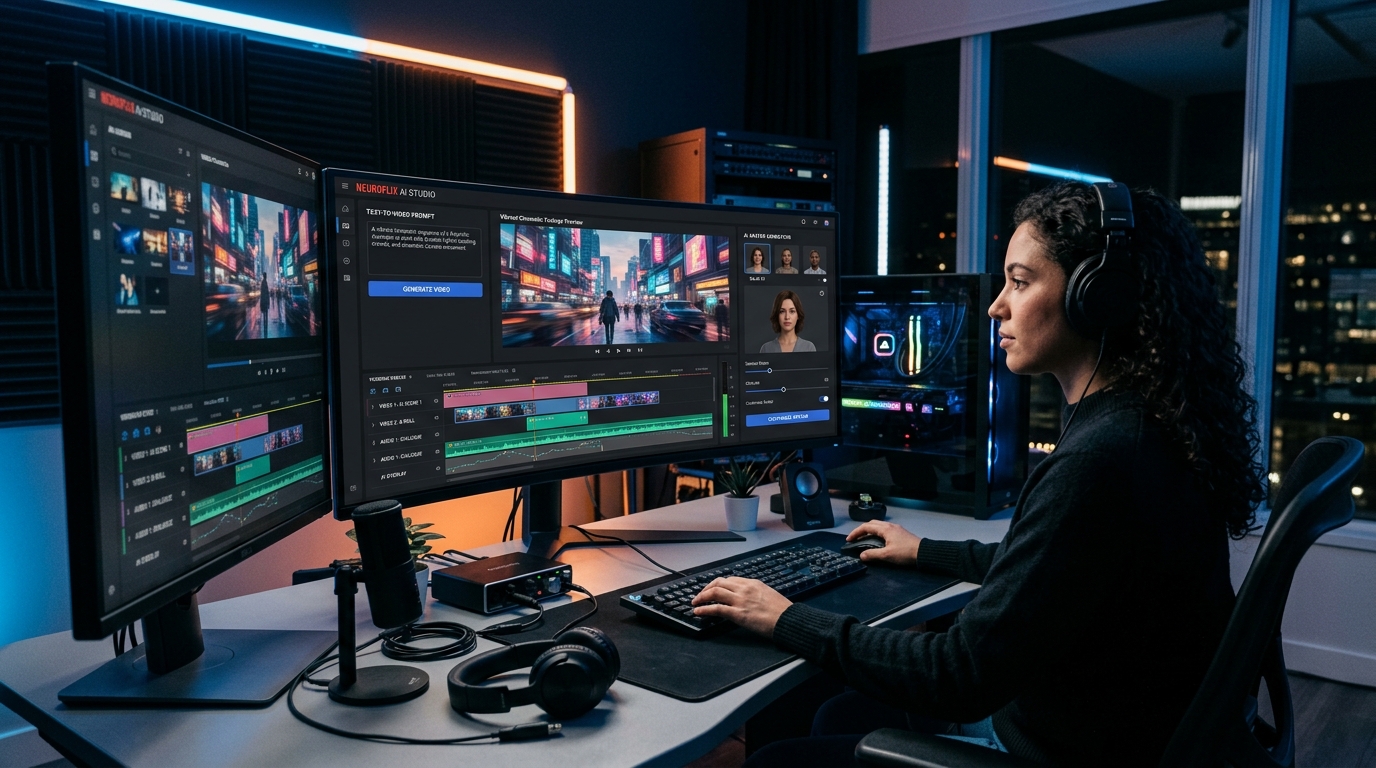
Which Free AI Video Generator Actually Delivers Professional Results Without a Watermark?
Artificial intelligence has transformed video creation from a resource-intensive craft into an accessible, automated process. Free AI video generators allow anyone—regardless of technical skill or budget—to produce engaging visuals by simply typing a script, uploading an image, or recording a voiceover. These tools leverage advanced models like transformers and diffusion networks to stitch together coherent scenes, animate characters, and even synchronise lip movements. For marketers, educators, and solo creators, the value proposition is clear: turn ideas into shareable videos in minutes without hiring a production team or purchasing expensive software. The best free options now rival entry-level paid editors, offering enough capability to handle social media content, explainer videos, and personal branding projects.
In 2026, the demand for short-form video continues to explode across platforms like TikTok, Instagram Reels, and YouTube Shorts. Brands and individuals alike need tools that can keep pace with daily publishing schedules. Free AI video generators have evolved to meet this need, incorporating features such as auto-generated captions, background music libraries, and scene transition effects that once required professional suites. Yet the market is crowded, and not all free plans are created equal. Some impose watermarks, others cap export resolution to 720p, and a few restrict access to premium avatars or templates. Understanding which tool gives you the most creative freedom without hidden costs is essential for anyone serious about consistent video output.
Among the most generous free offerings today are Runway Gen-2, which provides a limited number of credits (typically 5) to generate 4-second clips at 720p with a small watermark—perfect for experimenting with text-to-video generation. CapCut offers a free plan that supports 1080p export with no watermark, along with a rich library of AI effects, auto-captions, and voice changers. Pictory allows free users to create up to three video projects per month, with a maximum length of 10 minutes each, and includes stock footage and text-to-speech—though exports carry a small branding logo. Each of these tools demonstrates that a zero-cost entry point can still yield visually appealing results for straightforward projects.
What Can You Do for Free with Free AI Video Generator Tools?
Even without spending a dime, you can accomplish a surprising range of video production tasks. Start by generating talking-head videos using AI avatars: type a script and select a virtual presenter who reads it aloud with natural lip-sync. This is invaluable for e-learning modules, corporate announcements, or product demos where you want a consistent on-screen host without filming yourself. You can also create animated explainers by feeding the tool a text description—many platforms turn blog posts or bullet points into a storyboard with matching visuals and background music. For social media, free generators let you repurpose existing long-form content into vertical shorts, cropping automatically and adding dynamic captions that improve accessibility and viewer retention.
However, free plans come with real constraints. The most common limitation is the presence of a watermark—often placed in a corner or as an intro/outro card—which can make the video look less polished for professional use. Resolution is another bottleneck: many tools cap free exports at 720p, which may not meet the quality standards for YouTube or client deliverables. Usage quotas are strict: you might be allowed only 10 minutes of video per month or 5 credits that regenerate weekly. Some platforms restrict access to the latest AI models (e.g., realistic avatars vs. cartoon styles) or the most popular templates, pushing advanced features behind a paywall. Rendering speed can also be slower for free accounts, queuing your projects behind paying customers. Accepting these tradeoffs often means planning your video pipeline around the limits—batch-creating within the quota and using free tools exclusively for early-stage prototypes or low-stakes content.
There are many real-world scenarios where the free version is more than sufficient. A freelance social media manager might use CapCut to produce five 60-second Reels per week for a local bakery, using its AI captions and trendy effects without ever hitting the free tier's ceiling. A university student creating a 3-minute documentary for a class assignment can rely on Pictory's free plan to combine stock footage with a narrated script, exporting in 720p—perfect for classroom screening. Small YouTube channels that post once weekly can leverage Runway's credits to generate eye-catching transitions or animated intros that differentiate their content. In these cases, the free tools do not just save money; they speed up the creative workflow and allow experimentation that would otherwise require a budget.
Key Features of Free AI Video Generator Tools
- Text-to-Video Generation: The core ability to convert a written script into a sequence of animated scenes. Free tools rely on pre-trained models that interpret keywords and generate matching visuals (e.g., a 'sunset beach' prompt creates a coastal background). This feature eliminates the need for stock footage libraries and makes video creation as simple as typing an email. Quality varies: some tools produce abstract or cartoonish results unless you use specific vocabulary, while others can render photorealistic clips for nature or product shots.
- AI Avatars and Talking Heads: Many generators offer a selection of digital human presenters that can read your script aloud with lip-sync accuracy. Free plans usually provide 3–5 basic avatars (often in a single pose and background) and restrict access to ultra-realistic or custom-generated avatars. The voice options are also limited to a handful of synthetic voices, but they are still clear and natural enough for educational or internal videos.
- Auto-Captions and Subtitles: Speech recognition automatically transcribes your voiceover and places captions on the timeline. Free tiers typically support one language and a small selection of subtitle styles (font, color, position). This feature dramatically improves accessibility (for hearing-impaired viewers) and retention (for silent autoplay on social feeds) without manual timing.
- Template Library: Curated templates for common video types—product promos, birthday greetings, Instagram stories, tutorials. Free users typically access 50–100 templates, while premium libraries contain thousands. Templates save hours of design work by providing pre-set animations, transitions, and colour palettes that you can customise with your own text and media.
- Export Quality and Limits: Free plans almost always cap resolution at 720p or 1080p (rarely 4K) and may add a watermark. Export duration is also restricted—typically 5–15 minutes per project per month. Understanding these limits helps you choose the right tool: if you need full HD for a client presentation, look for a free plan that offers 1080p without watermark, such as CapCut or InVideo (limited weekly exports).
- Cloud-Based Editing Suite: Most free AI video generators are entirely web-based, requiring no installation. They include a timeline, drag-and-drop interface, and basic trimming/splitting capabilities. While advanced features like keyframe animation or multi-track audio are usually reserved for paid subscribers, the free editor is more than adequate for assembling simple scenes, adding text overlays, and adjusting volume.
Who Should Use Free AI Video Generator Tools?
Free AI video generators are ideal for individuals and small teams who need to produce video content regularly but have minimal budget or technical bandwidth. The primary audience includes content creators—YouTubers, TikTokers, and podcasters—who need quick turnarounds for short-form clips. Small business owners benefit by creating product demos, client testimonials, and social ads without outsourcing to an agency. Educators and trainers can generate lesson summaries, flipped-classroom videos, or onboarding materials with voiceover and captions. Non-profit organisations and community groups also find these tools useful for awareness campaigns and announcement videos where polished production is secondary to message delivery.
Consider a freelance graphic designer who wants to offer video packages to clients. Using a free tool like CapCut, they can create Instagram Reels that showcase their portfolio with trendy transitions and auto-captions—all without recurring costs. A high school teacher can use Pictory to turn a chapter from the textbook into a 3-minute animated summary, assigning it as homework and increasing student engagement. An entrepreneur pitching to investors can produce a 90-second elevator pitch video with an AI avatar using Runway's free credits, demonstrating product use without needing a full production crew. Each of these users operates within the free tier's limits (short duration, lower resolution) but still achieves their core objective: communicating an idea effectively through video.
However, there comes a point when the free version no longer suffices. If you consistently hit the monthly export quota or need 4K resolution for a high-stakes client presentation, it's time to consider a paid plan. Watermarks become a liability when the video is meant for a professional brand channel or paid advertising campaign. Advanced features like custom AI avatars, background removal, and multi-language subtitles may also become necessary as your content scales. Most free plans offer a clear upgrade path—usually $10–$30 per month—that removes all restrictions and unlocks the full feature set. Until then, the generous free tiers available in 2026 provide an incredible opportunity to learn, experiment, and produce video content that rivals what beginners could only dream of a few years ago.
Best Free AI Video Generator Tools & Software
Explore our curated selection of verified free video generator solutions, offering generous free plans, freemium features, or zero-cost access.