
Free AI Video Upscaler
The most advanced and reliable free AI-powered tools for video upscaler. Save time and budget with these vetted solutions.
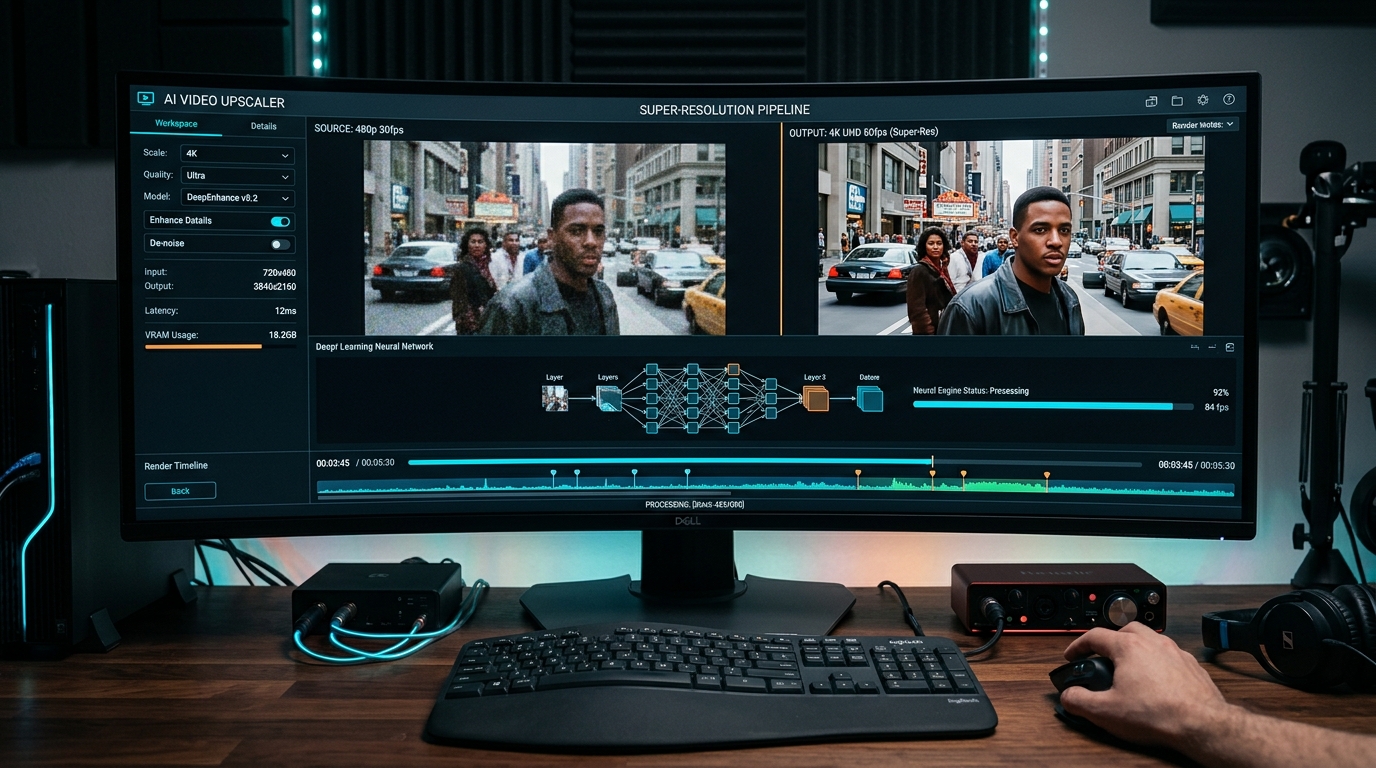
What Is the Best Free AI Video Upscaler in 2026?
A Free AI Video Upscaler is a tool that uses artificial intelligence, typically deep learning models, to intelligently increase the resolution and overall quality of video footage without requiring any payment. Unlike traditional upscaling that simply stretches pixels and introduces blur, these AI-driven solutions analyze each frame, reconstruct missing details, and reduce visible artifacts, resulting in sharper, cleaner, and more detailed output. For content creators, archivists, and casual users alike, the ability to upscale low-resolution clips to HD or even 4K without spending a dime has become a game-changer in 2026, democratizing professional-grade video enhancement.
The importance of free AI video upscalers has skyrocketed as more people produce and consume video content across social media, e-learning, and personal archives. Old smartphone recordings, 480p YouTube clips from a decade ago, or security camera footage can now be transformed into viewable, shareable assets. In 2026, the best free tools leverage transformer-based architectures and temporal coherence algorithms to maintain consistency across frames, making them suitable for everything from restoring family memories to preparing footage for online portfolios. Even with limitations, the gap between free and paid offerings has narrowed significantly.
Among the top free AI video upscalers available right now, Upscale.media stands out with a generous free tier that handles 10-minute videos at up to 4x resolution boost, though it adds a subtle watermark unless you register. CapCut, the free editor from ByteDance, includes a powerful built-in upscaler that works on clips up to 30 minutes and requires no watermark, but it limits export resolution to 1080p. HitPaw Video Enhancer offers a free trial with six upscaling models and 3-minute clips, perfect for testing before committing to a subscription. Each tool provides distinct strengths — choose based on your need for length, quality, or watermark policy.
What Can You Do for Free with Free AI Video Upscaler Tools?
With a free AI video upscaler, you can revive old home videos recorded on camcorders or early smartphones. For example, a grainy 360p clip from a 2010 flip phone becomes a watchable 720p video with reduced noise and improved facial details — perfect for a family slideshow or a social media throwback post. You can also upscale short-form content for platforms like TikTok or Instagram Reels, where resolution directly impacts viewer retention and algorithm ranking. Many creators use free upscalers to enhance screen recordings or webcam captures before adding them to tutorials or vlogs, giving a cleaner look without any budget.
Beyond personal projects, free upscalers are invaluable for small businesses and educators. You can improve product demo videos ripped from lower-quality sources, make training materials more legible, or convert vintage promotional footage for modern use. However, free versions come with practical limitations: Upscale.media adds a visible watermark on unregistered exports, CapCut caps output at 1080p (no 4K), and HitPaw’s trial restricts processing to 3-minute segments and slower speeds. To work around these, you can use multiple free accounts, batch shorter clips, or accept the watermark if the content is for internal review. In many cases, the free quality is good enough for non-commercial purposes.
Real-world scenarios where the free tier suffices include upscaling a 30-second birthday video for a private WhatsApp share, enhancing a low-res meme compilation, or cleaning up a short clip for a school project. Even with watermarks, some tools allow you to crop off the watermark zone if you plan a square or vertical edit. For longer documentaries or client work, free tools become restrictive, but for the vast majority of casual upscaling needs, they deliver impressive results without a single payment.
Key Features of Free AI Video Upscaler Tools
- Multi‑scale AI Upscaling Models: Free tools typically offer 2x to 4x resolution boost using models like ESRGAN, Real‑ESRGAN, or proprietary neural networks. For example, Upscale.media provides separate models for anime, faces, and general scenes, allowing you to match the output quality to your content type. CapCut’s AI upscaler works automatically, detecting faces and textures to avoid over‑sharpening.
- Batch Processing and Queue Management: Many free upscalers let you queue multiple videos for sequential processing. HitPaw’s trial allows up to three files before a restart, while CapCut handles unlimited clips but each upscaling session resets daily. This feature saves time when enhancing an entire album of short clips, though free tiers often throttle speed during batch runs.
- Basic Video Editing Integrations: CapCut combines upscaling with trimming, cropping, filters, and text overlays in one interface. This eliminates the need to move files between apps. Free tools often include color correction or denoising as part of the upscale pipeline, improving overall visual quality beyond just resolution.
- Export Format Flexibility: Free tiers usually allow exporting to MP4, AVI, or MOV, sometimes with codec choices (H.264, HEVC). Upscale.media exports with a watermark in MP4 only, while HitPaw gives you format options even in trial mode. Be aware that some free tools reduce output bitrate to keep file sizes small, which may affect final quality.
- Real‑Time Preview and Comparison: A useful feature in many free tools is the side‑by‑side preview that shows original vs. upscaled frames. CapCut and HitPaw both let you scrub through the video and see the effect before committing. This helps you decide whether the model parameters are right, saving time and processing quota.
- Cloud‑Based or Local Processing: Some free upscalers, like Upscale.media, operate entirely in the cloud — no download, no GPU needed, but an internet connection and queue times. Others, like CapCut and HitPaw, process locally on your machine, which uses your system’s resources but can be faster for short clips and offers more privacy. Local tools also avoid file size upload limits that cloud services impose (typically 500 MB free).
Who Should Use Free AI Video Upscaler AI Tools?
Free AI video upscalers are ideal for hobbyists, students, and small business owners who need occasional video enhancement without a recurring subscription. If you’re a content creator just starting out on YouTube or TikTok, using a free tool like CapCut to upscale your smartphone footage can dramatically improve production value. Archivists and genealogists will appreciate the ability to restore old digitized tapes of family events — even with a watermark on the export, the emotional value often outweighs the visual mark. Likewise, educators who create video lessons from lower‑resolution sources can use free upscalers to make text and diagrams clearer for their students.
Specific user profiles include: a freelance video editor who needs to quickly enhance client‑provided reference footage (free version good enough for rough cuts); a social media manager repurposing user‑generated content that was uploaded in poor quality; a nonprofit creating awareness videos from historical clips. In each case, the free tier handles the majority of tasks efficiently. The learning curve is minimal, and most tools offer preset modes that require no manual tuning — just upload and export.
When should you consider moving to a paid plan? If you need 4K or 8K output, commercial‑use rights, no watermarks, or processing of long‑form content (over 30 minutes). Also, if you regularly upscale more than three videos per day, the speed and batch limits of free tiers become frustrating. Enterprise users requiring integration with NLEs (like Premiere Pro) or batch API processing will need premium options. But for 80% of casual use cases, the free tools listed here offer remarkable value — and you can always stack free accounts or use trial resets to extend your capabilities.
Best Free AI Video Upscaler Tools & Software
Explore our curated selection of verified free video upscaler solutions, offering generous free plans, freemium features, or zero-cost access.