
Free AI YouTube Video Maker
The most advanced and reliable free AI-powered tools for youtube video maker. Save time and budget with these vetted solutions.
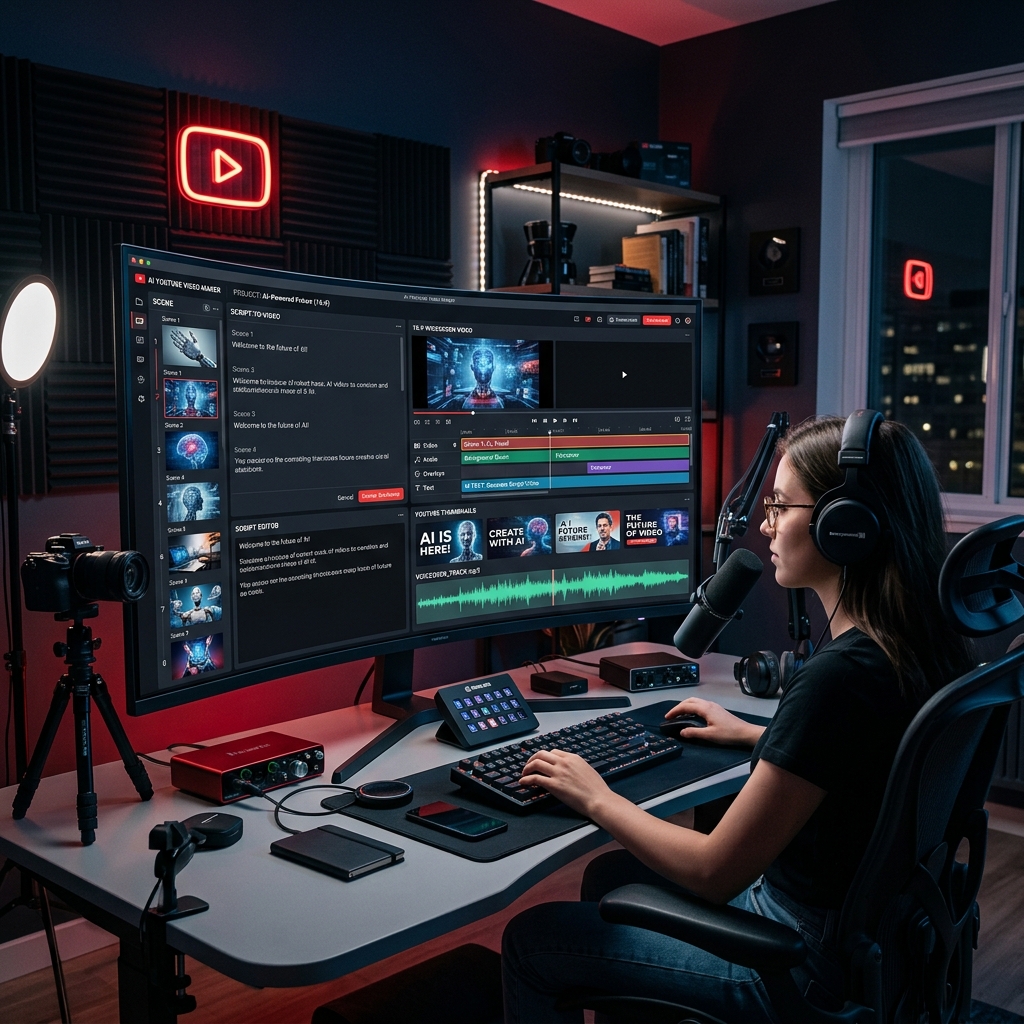
What Is the Best Free AI YouTube Video Maker in 2026?
Free AI YouTube video makers are online platforms that use artificial intelligence to automate the creation of video content specifically optimized for YouTube. They combine on‑brand templates, stock media libraries, automated text‑to‑speech, and AI‑powered editing to turn scripts, blog posts, or even simple prompts into ready‑to‑upload videos. For creators, educators, and small businesses, these tools eliminate the steep learning curve of traditional video editing software, reducing production time from days to minutes. In 2026, the best free options have become remarkably capable, offering features that were once reserved for premium tools, but always with intentional limitations that encourage upgrading to paid plans.
The growing demand for video content on YouTube has made these AI generators essential. Whether you are a vlogger, a course creator, or a marketer managing a brand channel, you need a steady stream of engaging videos. A free AI YouTube video maker lets you test ideas, produce pilot episodes, and validate content strategies without any upfront investment. Because YouTube algorithms increasingly reward watch time and viewer retention, AI‑assisted editing helps you maintain a professional pace, add captions, and reuse existing blog posts or articles as video scripts—all of which directly contribute to better audience retention and channel growth without requiring a large budget.
Among the most popular free tools are InVideo AI and Pictory—both offer generous free tiers. InVideo AI’s free plan includes 60 video minutes per month, access to a massive stock library (10,000+ premium templates), and an AI script generator that can turn a one‑line prompt into a full storyboard. Pictory’s free tier lets you create up to three video projects per month, with automatic summarization of long blog posts into short, captioned videos. Both tools add a watermark to exports in the free version, which you cannot remove unless you subscribe, but they remain perfectly usable for testing analytics or for personal use.
What Can You Do for Free with Free AI YouTube Video Maker Tools?
With a free plan, you can realistically create a complete YouTube pipeline: generate video ideas from keywords, automatically write a script, choose a matching template, add stock footage or animated text overlays, and include AI voice‑over narration in dozens of languages. For example, a fitness coach could take a short blog article about “10 exercises for lower back pain” and, with three clicks, convert it into a visually dynamic video with an AI narrator, background music, and on‑screen captions. You can also repurpose existing webinar recordings by uploading them and letting the tool automatically remove filler words, add transitions, and generate chapter markers—valuable for interview‑style channels.
However, free versions impose deliberate restrictions. Most tools watermark every exported video, forcing you to either display their logo or pay for a subscription. Output resolution is often capped at 720p or 1080p (rarely 4K), and there are monthly video export limits—typically 10–15 minutes of finished footage across all projects. AI features like advanced script rewriting, predictive scene selection, or object‐aware editing are either disabled or severely limited. For instance, InVideo’s free plan caps the number of AI “templates” you can customize per month, while Pictory’s summarization tool truncates long articles into a maximum of 15 minutes of video per month. You cannot remove the watermark, but you can work around it by placing your own channel logo in the corner or using a photo overlay—although it’s not a permanent solution if you aim for a professional appearance.
In practice, the free tier is enough for three key scenarios: (1) you are building a YouTube channel from scratch and need to test multiple video styles without financial risk; (2) you produce short, low‑stakes content like quick tutorials, “shorts”, or channel trailers where a watermark is acceptable; (3) you are a student or hobbyist sharing educational videos for a small audience. For those use cases, the free versions are surprisingly robust—many users can maintain a steady upload schedule of 3–4 videos per month without hitting the export limits. As your channel grows and you need 4K resolution, custom branding, or advanced AI editing, it makes sense to upgrade, but the free tier has let you prove your concept at zero cost.
Key Features of Free Free AI YouTube Video Maker Tools
- Automated script‑to‑video generation: Paste a blog URL, a document, or a few bullet points, and the AI parses the content, selects the most relevant segments, and creates a storyboard with suggested visuals and voice‑over. This feature is the backbone of every tool, letting you turn any text into a watchable video in under five minutes.
- Extensive stock media libraries: Free users get access to millions of royalty‑free images, footage, and music tracks. The AI matches your script with suitable visuals, so you don’t need to manually search for clips, saving hours of research.
- AI voice‑over with multiple languages: Most tools include a text‑to‑speech engine offering natural‑sounding voices, often in English, Spanish, French, German, and more. You can choose gender, accent, and even adjust speed—excellent for creating channel trailers or tutorials without recording your own voice.
- Auto‑captioning and subtitle insertion: AI automatically generates accurate captions from the spoken audio or script, and adds them as stylish text overlays. This improves accessibility and boosts retention, as many viewers watch without sound.
- Smart templates and aspect ratio presets: Free users have access to a curated set of templates optimized for YouTube (landscape, vertical Shorts, and square). These templates are fully editable, so you can change colors, fonts, and layouts to match your brand, although premium templates are locked behind a paywall.
- Direct export and sharing to YouTube: After rendering, you can publish directly to your YouTube channel with one click, or download as MP4. Free tiers may restrict export resolution to 720p or 1080p, but that is still sufficient for most viewers.
Who Should Use Free Free AI YouTube Video Maker AI Tools?
Any person or organization that wants to build a YouTube presence without hiring an editor or spending on expensive software can benefit. The primary audience includes solo creators, small business owners, educators, and social media managers. For example, a freelance fitness trainer can create a weekly workout video series using an AI tool that automatically adds rep counts and form tips. A non‑profit organization can turn its annual report into an engaging summary video for donors—all without any video production experience. Even corporate marketing teams often use free versions to prototype video concepts before presenting them for paid production.
In the education sector, teachers and online course creators use these tools to transform lecture notes into animated explainer videos, complete with AI narration and on‑screen diagrams. A high school history teacher, for instance, could upload a PDF of a primary source and see it converted into a digestible five‑minute video with historical photos and captions. The output can be shared directly to students or embedded in an LMS. Similarly, digital marketers at small agencies rely on free AI video makers to produce quick product overviews or A/B testing ideas for ad campaigns—providing measurable value without the overhead of freelance video editors.
That said, there are moments when upgrading is the smarter choice. If you are creating content for a professional brand, intend to monetize through YouTube’s Partner Program, and need 4K resolution, custom branding (no watermark), and access to premium AI features like automatic scene detection or advanced analytics, then a paid plan is worth every dollar. Also, if your workflow requires exporting more than 15–30 minutes of video per month, the free limits become a bottleneck. In those cases, we recommend starting with the free tier to learn the tools, then eventually moving to a monthly plan that fits your growth. Ultimately, the free AI YouTube video maker tools are not just teasers—they are fully functional entry points that let you start creating and publishing today, and you can scale up only when your channel demands it.
Best Free AI YouTube Video Maker Tools & Software
Explore our curated selection of verified free youtube video maker solutions, offering generous free plans, freemium features, or zero-cost access.