
Free AI Image to Video
The most advanced and reliable free AI-powered tools for image to video. Save time and budget with these vetted solutions.
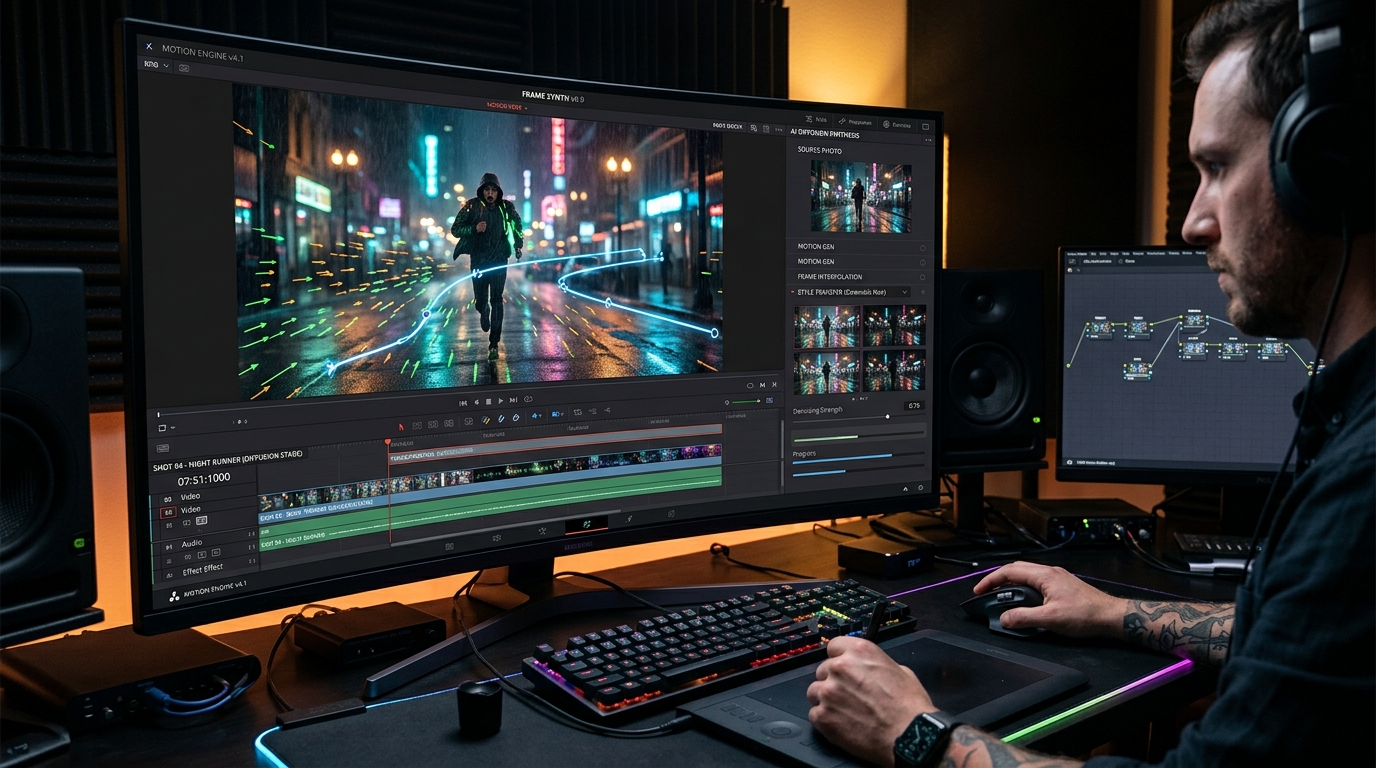
What Are the Best Free Image to Video AI Tools in 2026?
Free Image to Video tools have emerged as one of the most accessible ways to generate short, engaging video clips from a single static image using artificial intelligence. Instead of filming or animating frame by frame, you upload a photo — whether a personal snapshot, a product shot, or an abstract artwork — and the AI analyzes the scene, identifies motion possibilities, and creates a short video where elements move naturally. This technology relies on diffusion models and motion prediction networks trained on millions of video sequences, enabling it to generate realistic or stylized animations that maintain the original image’s core composition. For creators, marketers, and hobbyists, these tools remove the steep learning curve of traditional video editing and animation, offering a one-click path from still to story. The best part? Many of the leading platforms provide generous free tiers that let you experiment without spending a penny, making motion content creation available to absolutely everyone.
In 2026, the importance of free image-to-video converters has skyrocketed as social media algorithms increasingly prioritize video over static posts. Short-form platforms like TikTok, Instagram Reels, and YouTube Shorts reward native video content with higher reach and engagement. Brands and individual creators need to produce a steady stream of videos, but full production is time-consuming and expensive. Free AI tools bridge that gap: you can turn a single product photo into a lifestyle video, breathe life into a digital painting, or create dynamic thumbnails that transition into motion. Moreover, the quality of free outputs has improved dramatically — many now support 4-second to 10-second clips at resolutions up to 720p or even 1080p, with smoother motion and fewer artifacts than just a year ago. Even educators and journalists use these tools to animate infographics or historical photos, demonstrating that the use cases extend far beyond entertainment.
Among the most popular free options in 2026, RunwayML offers a free plan that includes a limited number of video generations per month using its Gen-2 model, allowing you to upload images and generate short loops with no watermark. Pika Labs provides free credits daily, enabling you to animate images with text prompts and style transfers, though free outputs include a subtle Pika logo. Luma Dream Machine also has a free tier that delivers high-quality 4‑second clips from images, with impressive camera motion and lighting consistency, but limits daily generations to a handful. Each of these platforms is perfect for prototyping, social media content, and personal projects — and they prove that you don’t need a budget to start creating with AI video.
What Can You Do for Free with Free Image to Video Tools?
With free image-to-video tools, you can accomplish a surprising range of creative and practical tasks. For instance, you can turn a photograph of a landscape into a cinematic clip where clouds drift, waves crash, and sunlight flickers through leaves — perfect for ambient video backgrounds on YouTube or meditation apps. Product marketers can take a single product image (like a coffee mug or sneaker) and animate it rotating, steaming, or splashing, creating dynamic product demos for e-commerce listings or social ads without hiring a videographer. Artists and illustrators can upload their digital paintings and add subtle motion — leaves rustling, characters blinking, fire flickering — transforming static art into living scenes that captivate audiences on platforms like Instagram or DeviantArt. Even content repurposing becomes trivial: a static blog header can be turned into a short video loop for a Twitter or LinkedIn post, boosting click-through rates significantly.
However, free versions come with notable limitations. Most platforms impose a daily or monthly generation cap — for example, RunwayML’s free plan might allow only 3–5 image-to-video creations per month, while Pika Labs gives 250 free credits per day, enough for about 5–10 short clips. Watermarks are common: Pika adds a small logo in the corner, and some tools like Luma Dream Machine leave a faint watermark unless you upgrade. Output resolution is often capped at 720p, and maximum clip length rarely exceeds 10 seconds. Generation speed can also be slower on free tiers due to queue prioritization — a process that might take 30 seconds on a paid plan could stretch to several minutes. Additionally, advanced features like camera control, motion brushes, or style presets are locked behind paywalls. To work around these constraints, you can plan your free generations carefully, focus on shorter clips, and use other free editing tools to crop or overlay watermarks if they are small.
In real-world scenarios, the free tier is often more than enough. A freelancer creating social media content for a local café can produce one or two animated product shots per week without hitting limits. A student building a digital art portfolio can animate three or four pieces each month to showcase on Behance. A small business owner can experiment with different motion styles on product photos without committing to a subscription. For these users, the trade-off between limited generations and zero cost is entirely acceptable. Even serious creators often start with free accounts to test which platform’s motion style best fits their niche before upgrading. The key is to treat free tools as a sandbox — explore, learn, and produce only the highest‑impact clips to make every generation count.
Key Features of Free Image to Video Tools
- One-Click Image Animations: The core feature: upload an image, click generate, and receive a short video clip (2–10 seconds) with natural motion. Tools like RunwayML and Pika Labs use advanced AI to infer which parts of the image should move and how, producing results such as flowing water, swaying trees, or drifting smoke, all while preserving the original colors and details.
- AI Motion Prediction: Unlike simple filters, free image-to-video tools leverage neural networks trained on vast datasets of real-world motion. This allows them to predict realistic physics — a flag flapping in the wind, a person turning their head, or water ripples — even from a single frame. Luma Dream Machine excels at creating coherent camera motion, such as zooming in or panning across a scene.
- Text Prompt Guidance: Many free platforms allow you to add a text prompt alongside the image to steer the animation style and direction. For example, 'cinematic, slow motion, golden hour' can turn a simple photo into a dramatic clip. This feature gives you creative control without needing complex timeline editing.
- Free Daily Credits / Quota: The best free tools replenish a set number of credits each day, so you can generate a small batch of videos consistently. Pika Labs offers 250 free credits per day, while Luma Dream Machine provides 5 free generations daily. These quotas are ideal for regular social media posting without paying.
- No Watermark Options (Some Tools): While many free plans add a watermark, some like RunwayML’s free tier and Luma Dream Machine’s free tier produce watermark-free clips. This is a huge advantage for creators who want polished, professional-looking content for client work or public portfolios.
- Export Formats & Resolutions: Free versions typically export in MP4 format with resolutions up to 720p or 1080p (depending on the tool). You can usually download the clip directly, share a link, or embed it. Some tools also offer GIF export for lightweight animations perfect for emails and social media.
Who Should Use Free Image to Video AI Tools?
Free image-to-video AI tools are tailor-made for a broad audience: content creators, social media managers, small business owners, digital artists, educators, and hobbyists. If you regularly produce visual content but lack the budget for professional animation software or video editors, these tools give you a shortcut to dynamic visuals. For example, a travel blogger can animate vacation photos into short reels that feel like mini-movies, increasing engagement without learning After Effects. A Shopify store owner with a catalog of product images can create short promotional loops for Instagram in minutes, directly from their phone. Even teachers can bring historical photographs to life in classroom presentations, making lessons more immersive.
Specifically, users in the following scenarios benefit most: (1) Freelancers who need quick animated visuals for client mockups or social posts; (2) Artists who want to showcase their work in motion on portfolio platforms like ArtStation or Instagram; (3) Nonprofits with limited resources who can create compelling storytelling videos from a single image; (4) Students and early-stage startups experimenting with viral content before investing in production. Free tools allow these users to iterate fast, test different motion styles, and gauge audience reactions — all without any financial risk.
When should you consider upgrading to a paid plan? If your free quotas consistently run out and you need more than 10–20 generations per month, if you require higher resolution (1080p or 4K) for professional delivery, if watermark-free output is non-negotiable for client work, or if you need advanced features like custom motion masks, longer clip durations (20+ seconds), or batch generation. For most casual creators, however, the free tier provides more than enough capacity to learn, experiment, and produce regular content. The decision to upgrade should be driven by volume and professional needs, not by curiosity — so start with free, and upgrade only when your workflow demands it.
Best Free AI Image to Video Tools & Software
Explore our curated selection of verified free image to video solutions, offering generous free plans, freemium features, or zero-cost access.